Loading
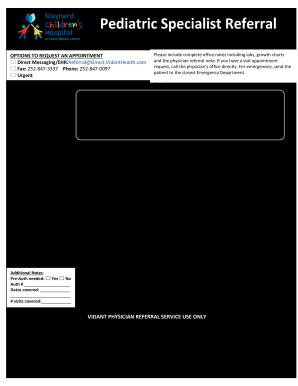
Get Vidant Health 15-vh-293 2020-2026
How it works
-

Open form follow the instructions
-

Easily sign the form with your finger
-

Send filled & signed form or save
How to fill out the Vidant Health 15-VH-293 online
Filling out the Vidant Health 15-VH-293 form is an essential step for requesting an appointment with the necessary medical specialists. This guide provides clear instructions to help users navigate the online form efficiently and effectively.
Follow the steps to complete the Vidant Health 15-VH-293 form online.
- Press the ‘Get Form’ button to obtain the Vidant Health 15-VH-293 form and open it in your preferred editor.
- In the first section, check the appropriate box to indicate the specialty your patient needs from the provided options, such as adolescent medicine, cardiology, and others.
- Complete the additional notes section by indicating whether prior authorization is needed and providing the relevant authorization number and coverage dates.
- Fill in the referring office's details including the name, phone number, office contact, fax number, and email.
- Provide the referring provider’s information, including their designation (MD, DO, NP, PA) and NPI number. If applicable, also include the supervising physician's details for PAs and NPs.
- Enter the patient's information including name, date of birth, address, gender, race, social security number, and phone numbers.
- Specify the primary and secondary insurance details along with their respective group numbers.
- In the notes section, explain the reason for the referral and offer the necessary diagnosis.
- Indicate whether a translator is needed and select the preferred language from the options provided.
- Finally, after reviewing all the information for accuracy, save changes, download, print, or share the completed form as needed.
Complete your documents online for a seamless request process.