Loading
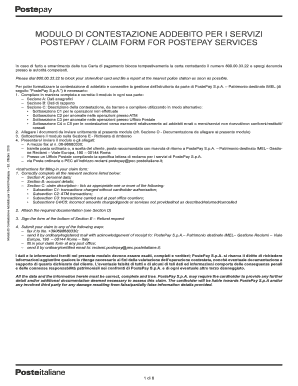
Get Modulo Di Contestazione Addebito Per I Servizi Postepay
How it works
-

Open form follow the instructions
-

Easily sign the form with your finger
-

Send filled & signed form or save
How to fill out the Modulo Di Contestazione Addebito Per I Servizi Postepay online
This guide provides comprehensive instructions on how to complete the Modulo Di Contestazione Addebito Per I Servizi Postepay online. Following these steps will help ensure a successful submission of your claim.
Follow the steps to complete your claim form effectively.
- Press the ‘Get Form’ button to access the Modulo Di Contestazione Addebito Per I Servizi Postepay and open it for completion.
- Fill out Section A, which requires personal data. Provide your surname, first name, tax number, telephone contact, and email address.
- Complete Section B by providing your account details and related information for the claim.
- In Section C, select the appropriate subsection that relates to your dispute. Choose from unauthorized transactions, ATM anomalies, postal service issues, or disputes with merchants.
- Detail your claim by specifying transaction dates, amounts, and additional context as required for the selected subsection.
- In Section D, gather and attach all necessary documents that support your claim. This may include identification, bank statements, and any relevant transaction records.
- Sign the form in Section E where you formally request a refund. Make sure you understand the consequences of providing inaccurate information.
- Submit your completed form along with the attached documents via fax, ordinary mail, or any available certified email option.
- Finally, save your changes, and keep a copy of the document for your records before sending it.
Begin your claim process today by completing the Modulo Di Contestazione Addebito Per I Servizi Postepay online.
Get form
Experience a faster way to fill out and sign forms on the web. Access the most extensive library of templates available.
Related links form
Revocare i pagamenti automatici La prima cosa che devi fare, quindi, è contattare non la banca, ma il gestore del servizio (nell'esempio citato Sky, Vodafone, etc.) e chiedere la revoca della domiciliazione su carta di credito.
Get This Form Now!
Use professional pre-built templates to fill in and sign documents online faster. Get access to thousands of forms.