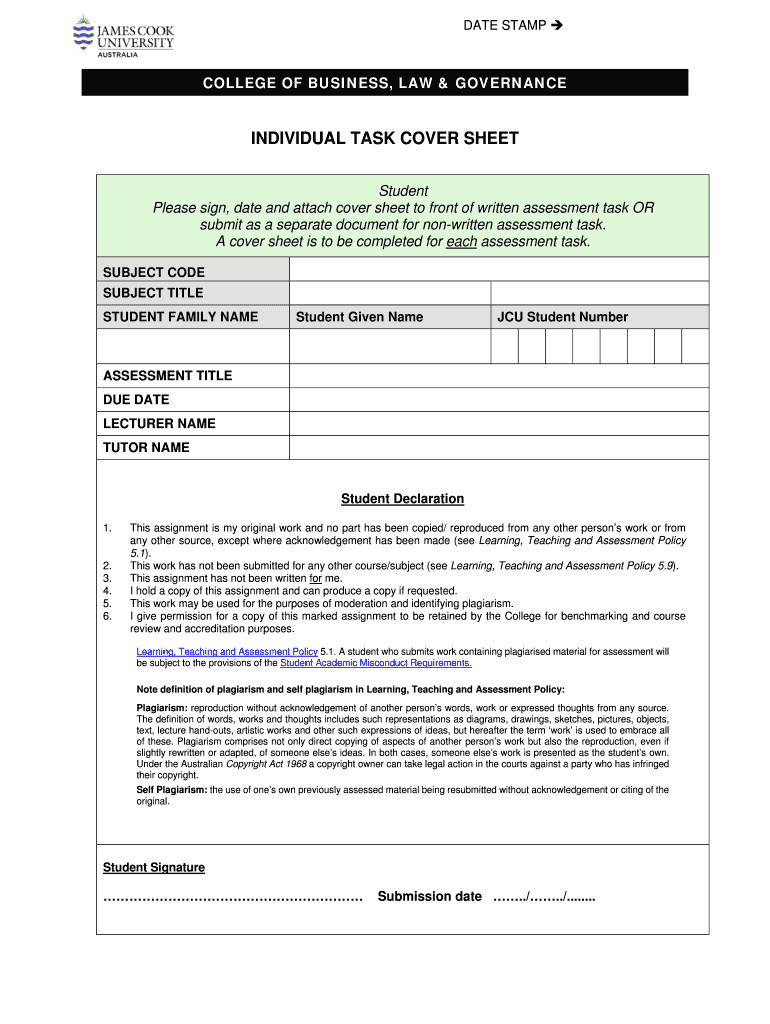
DATE STAMP ? COLLEGE OF BUSINESS, LAW & GOVERNANCE INDIVIDUAL TASK COVER SHEET Student Please sign, date and attach cover sheet to front of written assessment task OR submit as a separate document.
Loading

Open form follow the instructions

Easily sign the form with your finger

Send filled & signed form or save
How to fill out the AU JCUB Individual Task Cover Sheet online
Filling out the AU JCUB Individual Task Cover Sheet online is an essential step in submitting your assessment tasks. This guide provides you with clear instructions on how to complete each section of the form effectively.
Follow the steps to complete the cover sheet accurately.
- Click the ‘Get Form’ button to acquire the individual task cover sheet and display it in your preferred editor.
- Enter your subject code in the designated field, ensuring it corresponds to the course you are enrolled in.
- Fill in the subject title accurately as listed in your course materials.
- Provide your family name in the provided space to identify your submissions.
- Enter your given name as it appears on your university records to ensure consistency.
- Supply your JCU student number in the corresponding field for registration purposes.
- Clearly state the title of your assessment task in the section provided.
- Input the due date for your submission to keep track of deadlines.
- List the name of your lecturer in the appropriate area for identification.
- Include your tutor's name if applicable, ensuring that all relevant staff are noted.
- Review the student declaration section and confirm each statement reflects your compliance with the assessment policies.
- Sign the document electronically, date it, and be sure to attach it to your assessment task or submit it as a separate file.
- Once completed, you can save the changes, download, print, or share the filled-out cover sheet as required.
Complete your documents online and ensure timely submission of your assessments.
Experience a faster way to fill out and sign forms on the web. Access the most extensive library of templates available.
Related content
A cover sheet is to be completed for each assessment task. CO 5117 SUBJECT CODE STUDENT...
Use professional pre-built templates to fill in and sign documents online faster. Get access to thousands of forms.
If you believe that this page should be taken down, please follow our DMCA take down process here.