Loading
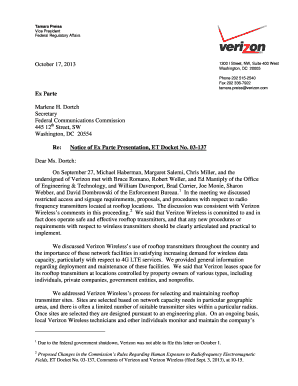
Get Verizon Letterhead
How it works
-

Open form follow the instructions
-

Easily sign the form with your finger
-

Send filled & signed form or save
How to fill out the Verizon Letterhead online
Filling out the Verizon Letterhead online can streamline your communication process and ensure a professional presentation. This guide will walk you through the necessary steps to complete the letterhead accurately and efficiently.
Follow the steps to fill out the Verizon Letterhead online.
- Click ‘Get Form’ button to access the letterhead and open it in the editor.
- Fill in your personal information at the top section. Include your name, title, and contact details, ensuring they are up-to-date for clear communication.
- Next, add the date in the designated area. This should reflect the date you are sending the letter.
- In the recipient section, enter the name, title, and address of the person you are addressing the letter to. Ensure accuracy to facilitate proper delivery.
- Craft your salutation. For a formal approach, use 'Dear' followed by the recipient's last name, ensuring you maintain a professional tone.
- Compose the content of your letter in the main body section. Be clear and concise, addressing all necessary points while maintaining a respectful tone.
- Conclude your letter with a closing statement, such as 'Sincerely,' followed by your name and your title.
- Lastly, review your letter for any errors. Once you are satisfied, save your changes, and you can download, print, or share the completed letterhead.
Start completing your documents online with ease today.
We have work because our customers value our high-quality communications services. We deliver superior customer experiences through our products and our actions. Everything we do, we build on a strong network, systems and process foundation.