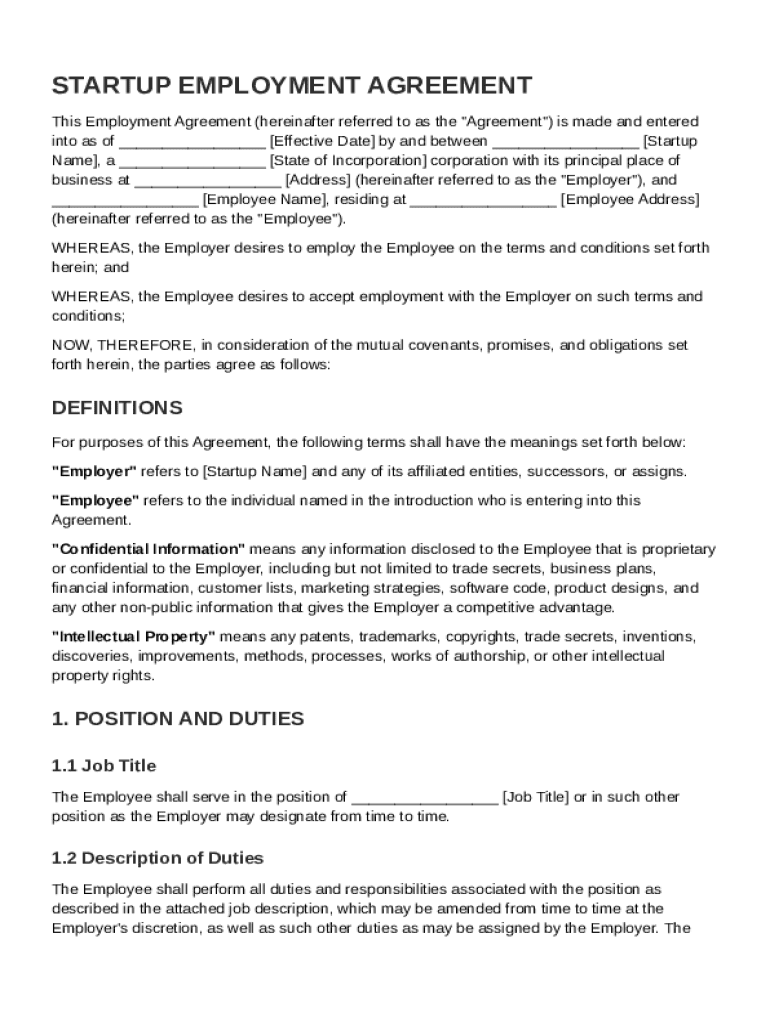
Tup Name , a State of Incorporation corporation with its principal place of business at Address (hereinafter referred to as the "Employer"), and Employee Name , residing at Employee Address (hereinafter referred to as the "Employee"). WHEREAS, the Employer desires to employ the Employee on the terms and conditions set forth herein; and WHEREAS, the Employee desires to accept employment with the Employer on such terms.

Open form follow the instructions

Easily sign the form with your finger

Send filled & signed form or save
How to fill out and sign Startup Employment Agreement Template online?
Get your online template and fill it in using progressive features. Enjoy smart fillable fields and interactivity.Follow the simple instructions below:
Have you been seeking a fast and practical solution to fill out Startup Employment Agreement Template at an affordable price? Our platform will provide you with a wide variety of forms that are offered for completing on the internet. It only takes a couple of minutes.
Keep to these simple instructions to get Startup Employment Agreement Template prepared for submitting:
- Get the document you need in the library of templates.
- Open the template in the online editor.
- Read the recommendations to discover which information you must include.
- Click on the fillable fields and put the requested info.
- Add the relevant date and insert your e-autograph as soon as you complete all other boxes.
- Check the document for misprints along with other errors. If there?s a necessity to change some information, our online editor along with its wide variety of instruments are available for you.
- Save the resulting document to your gadget by hitting Done.
- Send the e-form to the intended recipient.
Filling out Startup Employment Agreement Template does not really have to be perplexing anymore. From now on simply cope with it from home or at your business office from your mobile device or PC.
Tips on how to fill out, edit and sign Startup Employment Agreement Template online
How to fill and sign Startup Employment Agreement Template
Get your online template and fill it in using progressive features. Enjoy smart fillable fields and interactivity.Follow the simple instructions below:
Have you been seeking a fast and practical solution to fill out Startup Employment Agreement Template at an affordable price? Our platform will provide you with a wide variety of forms that are offered for completing on the internet. It only takes a couple of minutes.
Keep to these simple instructions to get Startup Employment Agreement Template prepared for submitting:
- Get the document you need in the library of templates.
- Open the template in the online editor.
- Read the recommendations to discover which information you must include.
- Click on the fillable fields and put the requested info.
- Add the relevant date and insert your e-autograph as soon as you complete all other boxes.
- Check the document for misprints along with other errors. If there?s a necessity to change some information, our online editor along with its wide variety of instruments are available for you.
- Save the resulting document to your gadget by hitting Done.
- Send the e-form to the intended recipient.
Filling out Startup Employment Agreement Template does not really have to be perplexing anymore. From now on simply cope with it from home or at your business office from your mobile device or PC.
How to edit Startup Employment Agreement Template
Completing paperwork is more comfortable with smart online instruments. Get rid of paperwork with easily downloadable Startup Employment Agreement Template templates you can modify online and print.
Preparing papers and paperwork must be more reachable, whether it is a daily component of one’s profession or occasional work. When a person must file a Startup Employment Agreement Template, studying regulations and guides on how to complete a form correctly and what it should include may take a lot of time and effort. However, if you find the right Startup Employment Agreement Template template, completing a document will stop being a struggle with a smart editor at hand.
Discover a wider selection of functions you can add to your document flow routine. No need to print, complete, and annotate forms manually. With a smart editing platform, all the essential document processing functions will always be at hand. If you want to make your work process with Startup Employment Agreement Template forms more efficient, find the template in the catalog, select it, and discover a simpler method to fill it in.
- If you want to add text in a random area of the form or insert a text field, use the Text and Text field tools and expand the text in the form as much as you want.
- Utilize the Highlight instrument to stress the main parts of the form. If you want to cover or remove some text parts, use the Blackout or Erase instruments.
- Customize the form by adding default graphic elements to it. Use the Circle, Check, and Cross instruments to add these components to the forms, if needed.
- If you need additional annotations, make use of the Sticky note resource and put as many notes on the forms page as required.
- If the form needs your initials or date, the editor has instruments for that too. Minimize the chance of errors by using the Initials and Date tools.
- It is also easy to add custom graphic elements to the form. Use the Arrow, Line, and Draw instruments to customize the file.
The more instruments you are familiar with, the simpler it is to work with Startup Employment Agreement Template. Try the solution that offers everything necessary to find and modify forms in a single tab of your browser and forget about manual paperwork.
How to fill and sign Startup Employment Agreement Template
Get your online template and fill it in using progressive features. Enjoy smart fillable fields and interactivity.Follow the simple instructions below:
Have you been seeking a fast and practical solution to fill out Startup Employment Agreement Template at an affordable price? Our platform will provide you with a wide variety of forms that are offered for completing on the internet. It only takes a couple of minutes.
Keep to these simple instructions to get Startup Employment Agreement Template prepared for submitting:
- Get the document you need in the library of templates.
- Open the template in the online editor.
- Read the recommendations to discover which information you must include.
- Click on the fillable fields and put the requested info.
- Add the relevant date and insert your e-autograph as soon as you complete all other boxes.
- Check the document for misprints along with other errors. If there?s a necessity to change some information, our online editor along with its wide variety of instruments are available for you.
- Save the resulting document to your gadget by hitting Done.
- Send the e-form to the intended recipient.
Filling out Startup Employment Agreement Template does not really have to be perplexing anymore. From now on simply cope with it from home or at your business office from your mobile device or PC.
Experience a faster way to fill out and sign forms on the web. Access the most extensive library of templates available.
Related content
Oct 10, 2019 — During the Employment Term, Company Founder shall devote substantially...
[ ] Contractor has the right to hire assistants as subcontractors or to use employees to...
Template Library. The original download site for this software is : http ... conditions of...
Get answers to your most pressing questions about US Legal Forms API.
How do you write a simple agreement?
To write a simple agreement, use clear and concise language to express the terms. Start by identifying the parties involved and stating the main points of the agreement. For a more structured approach, refer to a Startup Employment Agreement Template to make sure nothing is overlooked.
How to write a contract for a new employee?
When writing a contract for a new employee, start with the position's title and details regarding job responsibilities. Clearly outline salary, benefits, and expectations for performance. A user-friendly Startup Employment Agreement Template can simplify this process, ensuring all vital elements are included.
What is an example of an agreement?
An example of an agreement is a simple employment contract outlining the relationship between an employer and an employee. It delineates responsibilities, salary, and several policies regarding the job. To easily create such an agreement, consider using a Startup Employment Agreement Template.
How to fill an agreement form?
To properly fill an agreement form, start with the correct names and contact information. Clearly state the terms of the agreement, including all obligations and expectations. If you're unsure, a well-structured Startup Employment Agreement Template can assist you in completing this form accurately.
What information should be included in an employment contract?
An effective employment contract should include the job title, work schedule, compensation, and benefits offered. Additionally, include termination terms and confidentiality agreements if necessary. Utilizing a Startup Employment Agreement Template ensures you cover all necessary details.
How to write an agreement in short form?
Writing a short form agreement focuses on clarity and brevity. Use straightforward language to cover essential terms such as roles, duties, payment, and duration. A Startup Employment Agreement Template can guide you in creating a concise yet effective document.
How to fill a contract of employment template?
Filling a contract of employment template involves detailing the position, job description, and relevant policies. Make sure to highlight the salary, benefits, and termination conditions clearly. Using a comprehensive Startup Employment Agreement Template can make this process smoother and more reliable.
How to fill out an agreement form?
To fill out your Startup Employment Agreement Template, begin by including the employer's and employee's details. Next, specify job responsibilities, compensation, and any relevant benefits. Finally, ensure both parties review and sign the document, confirming their understanding and agreement.
Use professional pre-built templates to fill in and sign documents online faster. Get access to thousands of forms.
If you believe that this page should be taken down, please follow our DMCA take down process here.