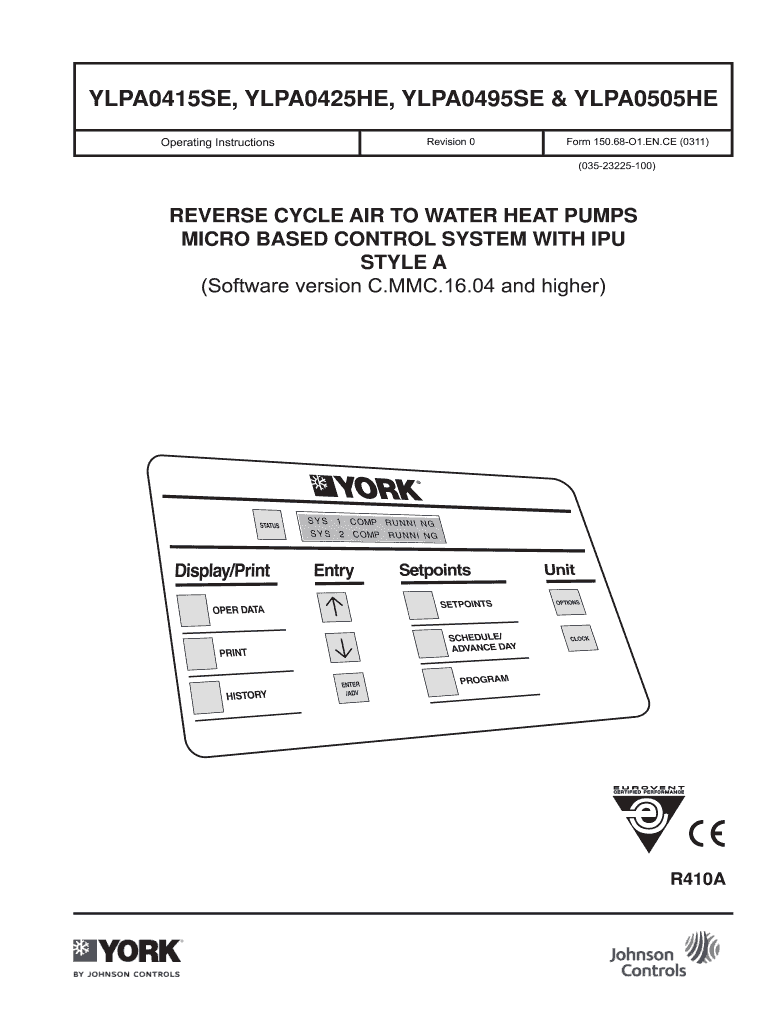
IPU STYLE A (Software version C.MMC.16.04 and higher) R410A Form 150.68-O1.EN.CE (0311) Table of Contents General ... ... ... ... ... ... ... ... ... ... ... ... ... ... 1 Control Panel AMB (IPU II and I/O Boards) Internal Clock & Memory Backup Battery Keypad and Display Unit ON/OFF Switch Customer Controls System Inputs Remote Start/Stop Flow Switch Remote Mode Selection Load Limiting Fan Full Speed Inhibit (units fitted with optional two speed fans) Voltage Free Contacts Liquid Pump Cont.
Loading

Open form follow the instructions

Easily sign the form with your finger

Send filled & signed form or save
How to fill out the John Controls 150.68-O1.EN.CE online
Filling out the John Controls 150.68-O1.EN.CE form online can be a straightforward process when you understand the components and necessary steps involved. This guide will provide detailed, user-friendly instructions to help you complete the form effectively.
Follow the steps to fill out the form correctly.
- Click the ‘Get Form’ button to obtain the form and open it in the editor.
- Review the first section titled 'General' to understand the purpose of the form and the equipment it pertains to. This section includes key information on system operations and control mechanisms.
- Complete the 'Control Panel' section by filling in the details relevant to the control system in your unit. Be sure to include settings for the unit ON/OFF switch and customer controls.
- Fill out the 'Operation' section by entering data related to mode control and capacity control specifics. Ensure that you refer to the ranges and limits advised in the guidelines.
- Input required data for 'Control Panel Keys,' ensuring that you include setpoint keys and user commands as per your operational needs.
- For the 'Diagnostics' and 'Commissioning' sections, enter any relevant fault conditions or commissioning settings necessary for your system's operation.
- In the 'Inputs/Outputs' section, indicate any digital and analogue inputs that are applicable to your setup.
- Review the 'Optional Printer Installation' section if you plan to enable this feature. Fill in the necessary details for connecting your printer.
- Finalize by reviewing all sections for accuracy, and upon confirmation, save any changes made. You may then choose to download, print, or share the completed form as required.
Begin filling out your John Controls 150.68-O1.EN.CE form online today for effective system management.
Experience a faster way to fill out and sign forms on the web. Access the most extensive library of templates available.
Related content
Jan 4, 2012 — For more information, contact Charleston County Finance Director Corine...
by JD Connell · 2012 · Cited by 2 — CE officers are professionals with an accredited...
Mar 27, 2000 — NBC Steamed Over Nielsen's Decision. NBC has expressed disappointment...
Get answers to your most pressing questions about US Legal Forms API.
Which payroll taxes are the employer's responsibility?
Employers are responsible for several key payroll taxes, including federal income tax withholding, Social Security taxes, Medicare taxes, and state unemployment insurance. Using reliable software such as John Controls 150.68-O1.EN.CE can help employers accurately calculate and report these taxes. This ensures both compliance with the law and ease in managing payroll. Staying on top of these responsibilities is crucial for avoiding fines and maintaining a good standing with tax authorities.
What is the employer payroll tax in California?
In California, employers are responsible for several payroll taxes, which include Social Security, Medicare, unemployment insurance, and employment training tax. The total payroll tax rate may vary based on your specific business situation. For employers using tools like John Controls 150.68-O1.EN.CE, managing these taxes becomes streamlined, ensuring compliance with state regulations. It's important to stay informed about these rates, as they can impact your overall payroll expenses.
Use professional pre-built templates to fill in and sign documents online faster. Get access to thousands of forms.
If you believe that this page should be taken down, please follow our DMCA take down process here.