Loading
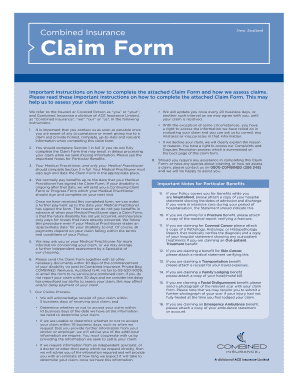
Get Combined Insurance Claim Form
How it works
-

Open form follow the instructions
-

Easily sign the form with your finger
-

Send filled & signed form or save
How to fill out the Combined Insurance Claim Form online
Completing the Combined Insurance Claim Form accurately is essential for ensuring a smooth and efficient claims process. This guide provides step-by-step instructions on how to fill out the form online, helping to prevent delays and misunderstandings.
Follow the steps to successfully complete your claim form online.
- Click ‘Get Form’ button to obtain the form and open it in the editor.
- Begin by completing Section 1 fully. This includes providing your account number, full name, date of birth, height, weight, residential address, and contact information. Ensure that all details are accurate and complete to avoid processing delays.
- Indicate whether you are claiming under a family policy and provide any necessary policy account numbers.
- If you are using Electronic Funds Transfer (EFT) for payments, confirm your preference and ensure that the account details provided are correct.
- If your claim involves an accident, fill in the necessary details such as the date and nature of the accident, location, injuries sustained, and any other relevant information. Provide information about any police report if applicable.
- Once all details in Section 1 are completed, ensure that your Medical Practitioner fills out Section 2 in full with all relevant medical information and signatures.
- Review the completed form for any missing information or errors before submitting it. Ensure that any required attachments are included, such as medical reports or police documents.
- Submit the Claim Form along with all necessary documents within 30 days via the preferred method, keeping a copy for your records.
- Finally, save your changes, download a copy for your records, and either print or share the form as needed.
Start completing your Combined Insurance Claim Form online today to facilitate your claims process.
How Do I... Statewide Toll-Free: 1-877-MY-FL-CFO (1-877-693-5236) Out of State Callers: (850) 413-3089. TDD Line: 1-800-640-0886. Email Address: Consumer.Services@myfloridacfo.com.