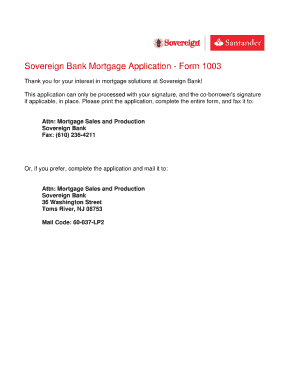
Get Sovereign Bank Personal Financial Statement Form
How it works
-

Open form follow the instructions
-

Easily sign the form with your finger
-

Send filled & signed form or save
How to fill out the Sovereign Bank Personal Financial Statement Form online
The Sovereign Bank Personal Financial Statement Form is a crucial document for individuals looking to provide their financial information for various purposes. This guide aims to assist users in navigating the process of completing this form online with clarity and ease.
Follow the steps to complete the form effectively.
- Click ‘Get Form’ button to obtain the form and open it in the editor.
- Begin by entering your personal information. Fill in your full name, address, and contact details prominently at the top of the form.
- Next, provide your employment details. Include the name of your employer, your position, and the duration of your employment.
- Proceed to the financial section. Input information regarding your assets, such as cash, real estate, and investments. Be sure to provide accurate values for each asset.
- Continue to the liabilities section. Detail any outstanding debts, loans, or obligations you may have.
- Review all entered information for accuracy. Ensure that each section is filled out completely, as incomplete forms may cause delays in processing.
- Once you have verified your information, you can save changes, download, print, or share the completed form as needed.
Start completing your Sovereign Bank Personal Financial Statement Form online today.
Related links form
A personal financial statement form is a tool used to collect and present an individual's financial information systematically. The form typically includes sections for assets, liabilities, income, and expenses, making it easier to visualize your financial health. By using the Sovereign Bank Personal Financial Statement Form, you can ensure that you accurately report your financial data, which is helpful for loans, credit applications, and personal assessments.