Loading
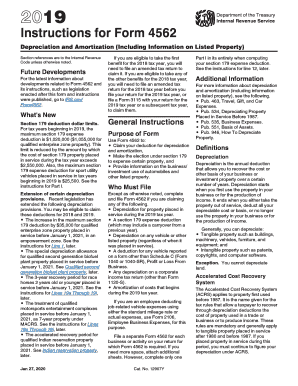
Get Irs 4562 Instructions 2019
This website is not affiliated with IRS
How it works
-

Open form follow the instructions
-

Easily sign the form with your finger
-

Send filled & signed form or save
How to use or fill out the IRS 4562 Instructions online
Filling out Form 4562 is crucial for claiming deductions for depreciation and amortization, including certain business expenses. This guide provides a detailed, step-by-step approach to assist users in completing the form online, ensuring clarity and compliance.
Follow the steps to efficiently complete the IRS 4562 Instructions online.
- Click ‘Get Form’ button to obtain the form and open it in the editor.
- Fill out Part I to elect to expense certain property under Section 179. Make sure to understand the maximum deduction available for the current tax year.
- Complete Part II for the special depreciation allowance and any other depreciation amounts for qualified property placed in service during the tax year. Be accurate with the figures.
- Utilize Part V to provide details regarding listed property, ensuring to report the percentage of business use and the applicable depreciation methods.
- Review all sections carefully for accuracy. Make any necessary adjustments to ensure compliance with IRS guidelines.
Complete your IRS forms online with confidence and accuracy!
Get form
Experience a faster way to fill out and sign forms on the web. Access the most extensive library of templates available.
To enter your depreciation entry, carefully fill out Form 4562 with all necessary details about your depreciable assets and their respective costs. Ensure that you calculate and include any previous depreciation deductions if applicable. For a step-by-step process, consider referring to the IRS 4562 Instructions or using a platform like US Legal Forms for assistance.
Get This Form Now!
Use professional pre-built templates to fill in and sign documents online faster. Get access to thousands of forms.