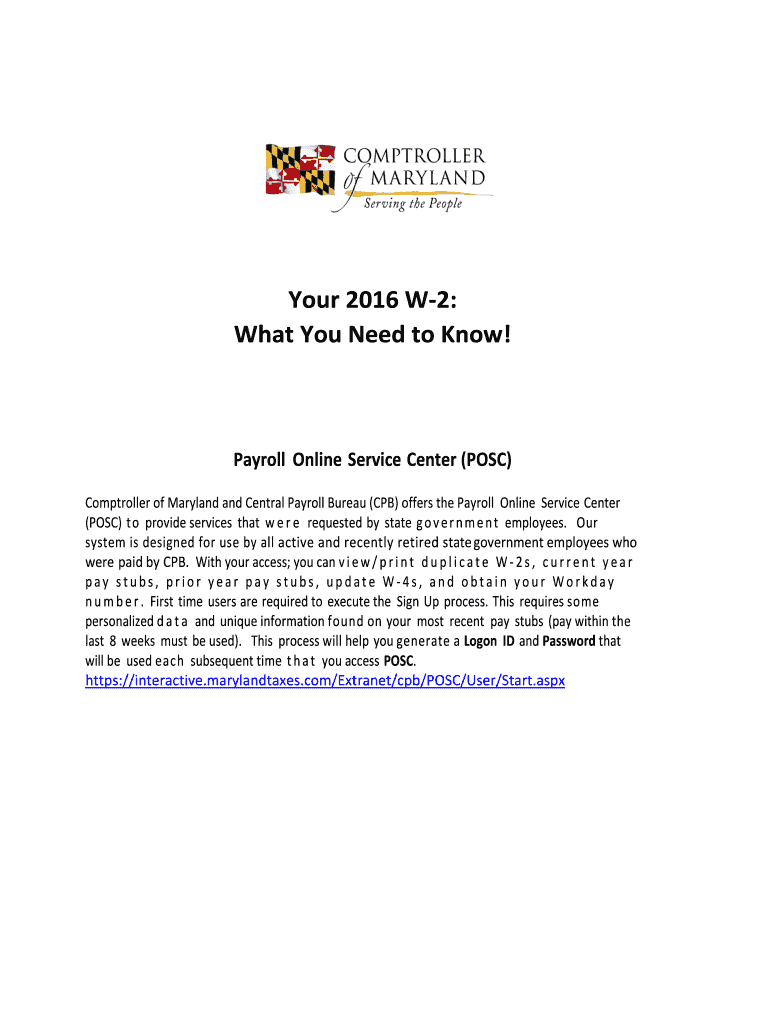
Es that w e r e requested by state g o v e r n m e n t employees. Our system is designed for use by all active and recently retired state government employees who were paid by CPB. With your access; you can v i e w / p r i n t d u p l i c a t e W - 2 s , c u r r e n t y e a r pay stubs, prior year pay stubs, update W-4s, and obtain your Workday n u m b e r . First time users are required to execute the Sign Up process. This requires some personalized d a t a and unique information found on your.
Loading

Open form follow the instructions

Easily sign the form with your finger

Send filled & signed form or save
How to fill out the MD W-2 online
This guide provides clear and comprehensive instructions on filling out the MD W-2 online. Whether you are an active employee or recently retired, follow these steps to ensure your form is completed accurately.
Follow the steps to successfully fill out your MD W-2 online.
- Click ‘Get Form’ button to access the MD W-2 and open the form in the editor.
- Begin with filling out your personal information. Ensure that your name, address, and social security number are accurate as this is crucial for tax reporting purposes.
- Complete Box 1 with your total wages subject to federal income taxes. This amount does not include any health cost amount reported elsewhere.
- In Box 2, input the amount of federal income tax withheld from your paychecks throughout the year.
- For Boxes 3 and 5, enter total wages subject to Social Security and Medicare (FICA) taxes, respectively.
- Fill out Box 10 with the total dependent care benefits, ensuring to categorize amounts exceeding $5,000 as taxable.
- In Box 12, report the total cost of employer-sponsored health coverage coded as DD. Remember, this amount is for information only and not taxable.
- Include any other necessary information in Box 14, specifically reporting the state pickup amount if applicable.
- Review all entered information for accuracy, ensuring all fields are filled correctly before finalizing the form.
- Once completed, save your changes, then download, print, or share your MD W-2 as required for your records.
Complete your MD W-2 online today to ensure timely and accurate tax reporting.
Experience a faster way to fill out and sign forms on the web. Access the most extensive library of templates available.
Related content
Employers with 25 or more W2 forms to submit with the MW508 return must file...
W2s are mailed from the State of Maryland by January 31st. You can also access them online...
19 shipments of Amazon.Com Mdw2 with information about suppliers, customers, products...
Get answers to your most pressing questions about US Legal Forms API.
Can I file MD taxes online?
You can file your MD taxes online efficiently. Maryland offers several online platforms, including uslegalforms, which simplifies the process. You can easily fill out forms and submit your MD W-2 information directly through these services. Filing online is not only faster, but it also helps you avoid common mistakes.
Is there another way to get my W-2?
Yes, there’s another way to get your MD W-2, especially if you cannot reach your employer. You can also check with the IRS for your prior year’s income records if your employer does not provide your W-2. Furthermore, some tax services generate copies based on your tax filings if you used their platform. This method is convenient, especially during tax season.
What is the fastest way to get an old W-2?
The fastest way to get an old MD W-2 is to contact your employer, as they may have electronic records stored. If your employer is unavailable, you can request a copy from the IRS by filing Form 4506-T. This process can expedite your access to past W-2s, allowing you to obtain them more swiftly than waiting for paper copies.
How to get a copy of Maryland W-2?
To get a copy of your Maryland W-2, reach out to your employer's HR department. They should be able to provide you with a duplicate. Additionally, if you used an online service to file your taxes, you might be able to access your MD W-2 directly through that service. Remember to keep your contact information updated to ensure prompt support.
What is the easiest way to get a W-2?
The easiest way to get your MD W-2 is to contact your employer directly. Employers are required to provide W-2 forms by the end of January each year. If you no longer work for them, they may still have your records available electronically. You can also access your W-2 through an online employee portal if your employer provides one.
Em qual propriedade as classes do Tailwind CSS são colocadas?
In Tailwind CSS, utility classes are placed within the class attribute of HTML elements. These classes control various properties such as spacing, colors, and layout, promoting a modular design approach. For example, when structuring forms for the MD W-2, using the right utility classes improves both aesthetics and usability. Tailwind empowers you to create a clean interface for all necessary documents.
Como colocar Tailwind no CSS?
To add Tailwind CSS to your project, you typically start by installing it via npm or including a CDN link in your HTML. Next, you configure your CSS file to use Tailwind's directives for layers like base, components, and utilities. This process makes it straightforward to design useful forms like the MD W-2 efficiently. Implementing Tailwind properly ensures your design stays clean and functional.
Quando usar Tailwind?
You should use Tailwind CSS when you want a utility-first approach to building designs. It allows for rapid prototyping and customization without writing extensive CSS. This is particularly beneficial when you're creating a legal feature landing page for documents like the MD W-2, where clarity and efficiency are paramount. Tailwind helps to streamline the process and adapt easily to changing needs.
Quais são os breakpoints?
The breakpoints in Tailwind CSS are sm (small), md (medium), lg (large), and xl (extra large). Each breakpoint adjusts the layout according to screen size, allowing your website to remain functional and attractive on various devices. Understanding these breakpoints is crucial for managing the display of important forms, such as the MD W-2. It's vital for enhancing user experience while ensuring compliance with regulations.
Quais são os tamanhos de breakpoints do Tailwind?
Tailwind CSS provides a set of predefined breakpoints that help create responsive designs. By default, you can use sm, md, lg, and xl as your breakpoints. For example, the md breakpoint activates styles for medium-sized screens. Utilizing these breakpoints is essential when you design platforms that deal with vital documents like the MD W-2.
Use professional pre-built templates to fill in and sign documents online faster. Get access to thousands of forms.
If you believe that this page should be taken down, please follow our DMCA take down process here.
This form is available in several versions. Select the version you need from the drop-down list below.