Loading
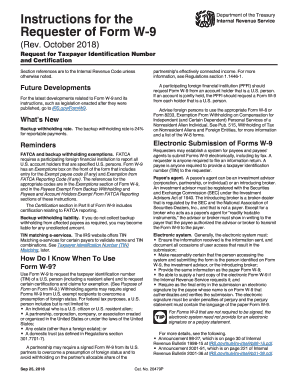
Get Irs W-9 Instruction 2018-2026
This website is not affiliated with IRS
How it works
-

Open form follow the instructions
-

Easily sign the form with your finger
-

Send filled & signed form or save
How to fill out the IRS W-9 Instruction online
Filling out the IRS W-9 Instruction is essential for providing the taxpayer identification number (TIN) of a U.S. person. This guide offers a clear and supportive framework for users to complete the form accurately and efficiently online.
Follow the steps to fill out the IRS W-9 Instruction online.
- Click ‘Get Form’ button to access the form and open it for editing.
- In Part I, provide your name as shown on your income tax return. For individuals, enter your first name and last name.
- In the section for TIN, enter your Social Security Number (SSN) for individuals or Employer Identification Number (EIN) for business entities.
- Complete the Exemptions section, if applicable. This involves entering any exempt payee codes relevant to your situation.
- Certify your information by signing and dating the form in the Certification section. Ensure that your signature matches the name entered in Part I.
- After filling out the form, save any changes made. You can also download a copy, print the form, or share it as needed.
Complete your IRS W-9 Instruction online today to ensure smooth processing of your taxpayer information.
Certain entities, such as government agencies and some tax-exempt organizations, are exempt from providing a W-9. If you are unsure about your status, it’s crucial to review the IRS guidelines or consult a tax professional. Knowing these exemptions can save time and enhance your understanding of IRS W-9 instructions.