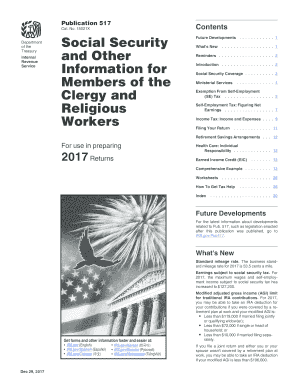
Get Irs Publication 517 2017
How it works
-

Open form follow the instructions
-

Easily sign the form with your finger
-

Send filled & signed form or save
How to fill out the IRS Publication 517 online
Filling out IRS Publication 517 can seem daunting, but this guide simplifies the process. This publication provides essential information for members of the clergy and religious workers regarding social security and self-employment taxes.
Follow the steps to complete the IRS Publication 517 online.
- Click the ‘Get Form’ button to obtain the form and open it in the editor.
- Begin with your personal information. Fill out your name, address, and any relevant identification numbers.
- Complete the section regarding your social security coverage. Indicate whether your earnings are subject to FICA or SECA tax.
- If applicable, include any exemptions from self-employment tax. Detail your religious order and any relevant allowances.
- Report your gross income from ministerial services and other sources. Make sure to differentiate between taxable and non-taxable income.
- Utilize the worksheets provided in the publication to calculate your net earnings and allowable deductions.
- Review the comprehensive example included in Publication 517 to ensure your entries align with the IRS requirements.
- Once all sections are completed, save your changes, and download the completed form.
- Print or share the form as needed, making sure to keep a copy for your records.
Start filling out your IRS Publication 517 online today to ensure compliance with federal tax laws.
Get form
IRS Publication 517 provides essential information for ministers regarding their tax obligations and benefits. This publication covers definitions, filing requirements, and tax treatment for clergy members. It serves as a valuable resource to ensure compliance while maximizing tax advantages. If you need help navigating this information, US Legal Forms can assist you in understanding and applying these guidelines effectively.