Loading
Get Mi Dot 163 2019-2026
How it works
-

Open form follow the instructions
-

Easily sign the form with your finger
-

Send filled & signed form or save
How to fill out the MI DoT 163 online
Completing the MI DoT 163 form is essential for reporting changes or discontinuance of your business. This guide provides clear, step-by-step instructions to assist users in effectively filling out the form online.
Follow the steps to successfully complete the MI DoT 163 form.
- Click the ‘Get Form’ button to access the MI DoT 163 form and open it in your online environment.
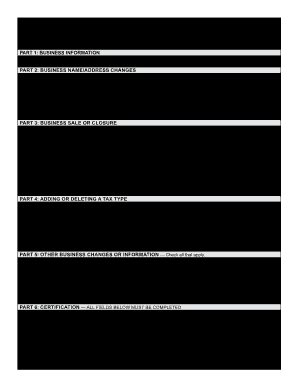
- Begin with Part 1: Business Information. Enter the required Business Name and Account Number (FEIN or TR No.). Optionally, provide the Business Phone Number.
- Proceed to Part 2: Business Name/Address Changes. Check any applicable boxes for changes to be reported, such as changes to the Business Name, Legal Address, or Mailing Address. Fill in the new details as applicable.
- In Part 3: Business Sale or Closure, indicate the Effective Date of Discontinuance if applicable. Specify if you are closing the entire business or selling part/the entire business. Fill in the Buyer Name and other details if relevant.
- Part 4 requires adding or deleting tax types. Choose whether you are adding or deleting a tax type, specify the Effective Date of Change, and check the relevant tax types.
- Next, in Part 5: Other Business Changes or Information, check any additional relevant options, such as Seasonal Open/Close Dates or changes to your Federal Employer Identification Number (FEIN).
- Conclude with Part 6: Certification. Complete all required fields including Taxpayer Name, Title, Signature, and Date. Ensure you declare the information's accuracy.
- Review the completed form for any errors. Save your changes, then choose to download or print the form, or share it as necessary.
Complete your MI DoT 163 form online today to ensure timely reporting of your business changes.
The Secretary of the Treasury in Michigan oversees the Department of Treasury, ensuring fiscal responsibility and compliance with state tax laws. Their leadership influences tax regulations, including aspects related to the MI DoT 163. Keep an eye on the Michigan Department of Treasury announcements for updates on leadership and policy.