Loading
Get Ca Jv-126 S 2007-2026
How it works
-

Open form follow the instructions
-

Easily sign the form with your finger
-

Send filled & signed form or save
How to fill out the CA JV-126 S online
The CA JV-126 S form is a crucial document used in child welfare cases in California. This guide provides detailed instructions on how to effectively fill out this form online, ensuring accurate and complete submissions.
Follow the steps to fill out the CA JV-126 S accurately.
- Press the ‘Get Form’ button to access the CA JV-126 S and open it in your document editor.
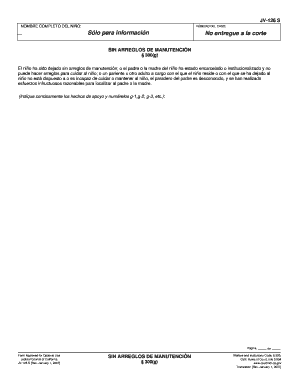
- Begin by entering the complete name of the child in the designated field. Ensure that the spelling is accurate to avoid any discrepancies.
- Next, provide the case number associated with this matter in the specified section. This number is critical for the court's reference.
- Read through the section titled 'Sin arreglos de manutención' carefully. This section outlines when a child has been left without arrangements for maintenance. Ensure that you understand the criteria listed.
- In this section, include any relevant details about the circumstances leading to the claim. Number your supporting facts as g-1, g-2, g-3, etc., to maintain clarity and organization.
- Review the form for completeness and accuracy, making sure all required fields are filled out thoroughly.
- Once you have verified that your form is correctly filled out, you can save your changes, download a copy, print the document, or share it as needed.
Start completing your documents online today for a smoother filing experience.
To terminate parental rights in California, you generally need to file the FL-300 form, along with any additional required documents. This form addresses custody changes and may require a hearing. It’s crucial to understand the legal implications, as this process can significantly affect parental relationships. The CA JV-126 S can guide you through specific steps on US Legal, ensuring you have the right information.