Loading
Get Ak Dr-351 2012-2026
How it works
-

Open form follow the instructions
-

Easily sign the form with your finger
-

Send filled & signed form or save
How to fill out the AK DR-351 online
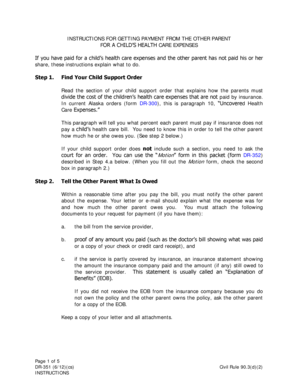
The AK DR-351 form is an essential document for parents seeking reimbursement for children's health care expenses when the other parent has not paid their share. This guide provides clear, step-by-step instructions to assist users in accurately completing the form online.
Follow the steps to fill out the AK DR-351 effectively.
- Click ‘Get Form’ button to obtain the AK DR-351 and open it in your preferred editing tool.
- Review the specific sections of the form that require details about the unpaid health care expenses. This may include documenting the expenses and providing required attachments. Make sure to gather all necessary information.
- Complete the section detailing your child support order, including the case number and the parties involved. Reference the relevant guidelines regarding how costs should be divided.
- Fill in the information regarding the health care provider, including the date of service, amount paid, and the corresponding insurance information if applicable.
- Attach any supporting documents such as bills, payments made, and insurance statements. Ensure these documents are clear and legible.
- Double-check all entered information for accuracy and completeness before proceeding.
- Once completed, save the form. You can opt to download or print it for your records.
- Finally, submit the completed form through appropriate channels, ensuring that copies are provided to all required parties.
Complete your forms online to expedite your reimbursement process.