Loading
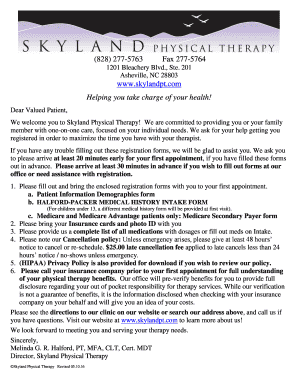
Get Fax 277 2020-2026
How it works
-

Open form follow the instructions
-

Easily sign the form with your finger
-

Send filled & signed form or save
How to fill out the Fax 277 online
This guide will provide you with step-by-step instructions on how to complete the Fax 277 form online effectively. By following these instructions, you will ensure that all necessary information is accurately submitted.
Follow the steps to complete the Fax 277 form online.
- Click ‘Get Form’ button to obtain the form and open it in the editor.
- Begin by entering your legal first and last name in the designated fields. Ensure that the names match the identification documents you will provide.
- Select your preferred nickname, if applicable, and fill in your gender, date of birth, and mailing address, including city, state, and zip code.
- Provide your preferred contact numbers, indicating whether you prefer to be reached via cell phone, home phone, or work phone.
- Enter your email address, which is used solely for appointment reminders and health information.
- Complete the emergency contact information, including their name, phone number, and address. Specify if this address is the same as yours.
- Detail the pain or problems you are experiencing, including when they began and any relevant referral information if applicable.
- Select your payment source, either self-pay or insurance, and ensure to bring your insurance cards and photo ID on the appointment day.
- Read and sign the sections regarding financial responsibility, medical consent, and privacy policy acknowledgment, ensuring that all information is correct.
- Finally, review your completed form for accuracy. Save changes, download, print, or share the form to ensure you have a copy for your records.
Complete your Fax 277 online now to ensure a smooth appointment process.
To get a fax number for your printer, you typically need to connect your printer to a fax service. Services like US Legal Forms allow you to register and assign a fax number to your device. This way, you can easily send and receive faxes from your printer without needing a traditional landline connection.