Loading
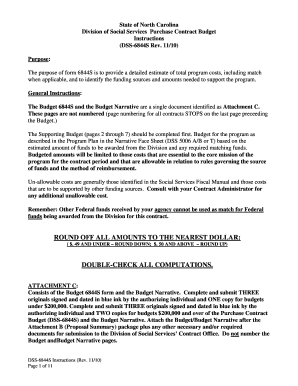
Get Nc Dss-6844s Instructions 2010-2026
How it works
-

Open form follow the instructions
-

Easily sign the form with your finger
-

Send filled & signed form or save
How to fill out the NC DSS-6844S Instructions online
This guide provides a detailed walkthrough for users on how to complete the NC DSS-6844S Instructions online. It is designed to assist individuals, regardless of their legal experience, in accurately filling out the necessary forms.
Follow the steps to efficiently complete your budget form online.
- Click ‘Get Form’ button to obtain the form and open it in your preferred editor.
- Begin by filling out the Supporting Budget pages (2-7). Ensure that all budget amounts are directly related to the program described in your budget narrative.
- Input the salary details under the Salary for Staff section. List all relevant positions, their titles, FTE percentages, and compute the total salary requested for each role.
- Complete the Fringe Benefits Schedule for Staff only. Itemize the types of benefits and compute costs separately for full-time and part-time employees.
- Proceed with filling in the Staff Development section by itemizing development expenses for staff and documenting costs accurately.
- In the Travel for Contract Salaried Staff section, list the number of staff traveling, their positions, estimated travel mileage, and applicable reimbursement rates.
- After entering all required data, review the Purchase Contract Budget Summary on page 1. Ensure consistency with totals from the Supporting Budget.
- Save your completed form, and download or print as necessary for submission.
Begin filling out your NC DSS-6844S Instructions online now!