Loading
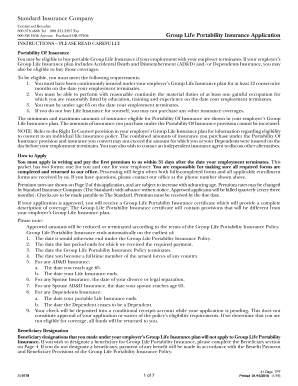
Get Standard Insurance Company Si 9178 2019-2026
How it works
-

Open form follow the instructions
-

Easily sign the form with your finger
-

Send filled & signed form or save
How to fill out the Standard Insurance Company SI 9178 online
This guide provides clear, step-by-step instructions on how to fill out the Standard Insurance Company SI 9178 form online. Users will find helpful information tailored to their needs to ensure a smooth completion of the application.
Follow the steps to accurately fill out the form for portability insurance.
- Click ‘Get Form’ button to obtain the form and open it in the editor.
- Fill in the member information section with your name, sex, address, social security number, telephone number, and birthdate.
- Provide dependents information if applicable, including the spouse's name and birthdate.
- Complete the employer information section with the group name, group number, employer name, HR contact, and your occupation along with the termination dates.
- Answer the eligibility questions regarding your insurance duration, ability to work, and tobacco use.
- Specify the amount of insurance coverage requested for yourself and any dependents.
- Designate a beneficiary in the beneficiary section, including names, dates of birth, and percentages of benefit.
- Review and agree to the application by completing the agreement section, confirming all information is accurate.
- After filling out, save changes, download, print, or share the form as needed.
Complete your document online for the Standard Insurance Company SI 9178 today.
Filing a claim with The Standard (Standard Insurance Company SI 9178) is a straightforward process. Initially, reach out to their claims department via phone or the website to initiate your claim. Gather any necessary documentation and complete their claims forms carefully, ensuring accuracy. Lastly, stay in touch with the claims department to monitor the progress and provide any additional information they may need.