Loading
Get Au C116 2015-2026
How it works
-

Open form follow the instructions
-

Easily sign the form with your finger
-

Send filled & signed form or save
How to fill out the AU C116 online
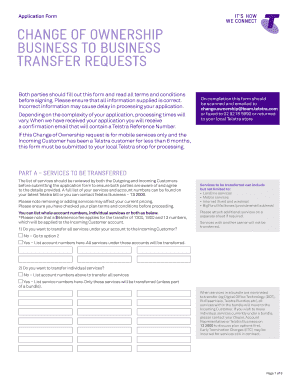
The AU C116 form is essential for initiating a change of ownership between businesses regarding various Telstra services. This guide will provide you with clear and comprehensive instructions to help you complete the form accurately and efficiently.
Follow the steps to complete and submit the AU C116 form online.
- Click ‘Get Form’ button to obtain the form and open it in the editor.
- Review the instructions and ensure you understand the terms and conditions associated with transferring ownership. Both the Outgoing and Incoming Customers should agree on all service details before proceeding.
- In Part A, indicate whether you would like to transfer all services or specific services by checking the appropriate options and providing service or account numbers as required.
- If you are transferring a Telstra Business System or a Phone System, confirm if it is under a Finance Contract and follow the specific instructions provided in the form.
- Specify the Transfer Date, which cannot be earlier than 7 working days from the date of form submission. Choose a date that is convenient for both parties.
- In Part B, fill in the Outgoing Customer's details accurately, including the customer name, business name, and contact information.
- If applicable, provide a Letter of Authorisation on company letterhead as required for authorisation.
- In Part C, enter the Incoming Customer's details, indicating if they are an existing Telstra customer and providing necessary identification information.
- Complete Part D, ensuring you provide the required identification documents and list any Authorised Representatives if necessary.
- Review the filled-out document for accuracy. After validating all information, save the changes, then you can download, print, or share the filled form as needed.
Start filling out your AU C116 form online today to ensure a smooth transfer of services.