Loading
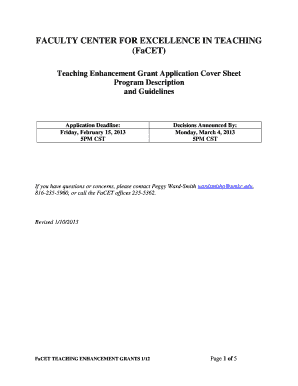
Get Faculty Center For Excellence In Teaching - Umkc
How it works
-

Open form follow the instructions
-

Easily sign the form with your finger
-

Send filled & signed form or save
How to fill out the Faculty Center for Excellence in Teaching - Umkc online
This guide provides a detailed overview of the steps required to complete the Faculty Center for Excellence in Teaching (FaCET) Teaching Enhancement Grant application cover sheet. Following these instructions will help ensure a smooth and successful application process.
Follow the steps to effectively complete the FaCET application online.
- Press the ‘Get Form’ button to access the application form. This will allow you to view and fill out the required fields.
- Begin with the 'Investigator Data' section. Fill in the principal investigator's information, including the employee identification number, campus phone number, address, college or school, department, and email address.
- Proceed to 'Project Information.' Enter the project title and the total amount requested, ensuring it does not exceed the allowed limit of $2,000. Specify the project start and end dates.
- In the 'Results' section, indicate how you plan to present the results of your project through a FaCET-sponsored activity. Check one option from the list provided.
- Fill out the 'Previous Teaching Enhancement Grants' section with details about any prior grants received, including title, semester awarded, amount, and date report was filed.
- Complete the 'Compliance, Health & Safety Data' section. Check any applicable items and answer whether human subjects or animal use is involved in your project.
- In the 'Signatures and Names' section, electronically sign where required, providing the date for each signature as necessary. Ensure all parties involved provide their printed names and dates.
- If applicable, fill out the 'Co-Investigator' section with the co-investigator's information, including their email, address, phone number, college, and department.
- Review all fields for accuracy and completeness. Once finalized, you may save your changes, download the document for record purposes, print a copy for your files, or share it as required.
Complete your application online today to enhance your teaching and learning initiatives at UMKC!
Industry-leading security and compliance
US Legal Forms protects your data by complying with industry-specific security standards.
-
In businnes since 199725+ years providing professional legal documents.
-
Accredited businessGuarantees that a business meets BBB accreditation standards in the US and Canada.
-
Secured by BraintreeValidated Level 1 PCI DSS compliant payment gateway that accepts most major credit and debit card brands from across the globe.