Categories() van permit Red VIR pairing Datum van managing/ pairing under s sinister Signature/Handtekening Signature/Handtekening Infrastructure number, name and signature of examiner for driving.

Open form follow the instructions

Easily sign the form with your finger

Send filled & signed form or save
How to fill out the ZA PD1 online
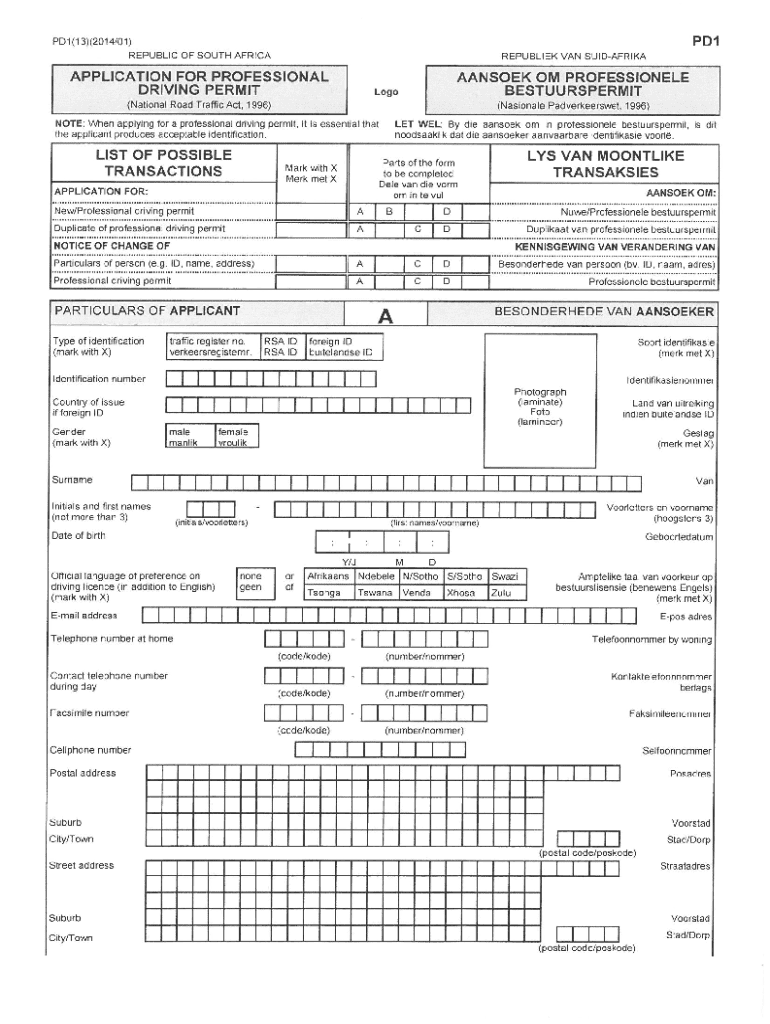
Filling out the ZA PD1 form online can seem daunting, but this guide will help simplify the process. By following the steps outlined below, you can complete the form accurately and efficiently.
Follow the steps to fill out the ZA PD1 form easily.
- Click ‘Get Form’ button to obtain the document and open it in the online editor.
- Begin by entering your personal details in the designated fields. This typically includes your full name, contact information, and any relevant identification numbers.
- Next, provide details relevant to the specific purpose of the form. This may involve describing the nature of your request or situation as outlined in the instructions of the form.
- When you reach the section regarding supporting documentation, carefully upload any files that are required to substantiate your application. Ensure all files are correctly labeled and in accepted formats.
- Review all the information you have entered for accuracy. Double-check that your personal details are correct and that all fields are filled out completely.
- Once you are satisfied with the information provided, proceed to save changes, download a copy for your records, or print the form as needed. You may also share the form according to your needs.
Complete the ZA PD1 form online today to simplify your application process.
Experience a faster way to fill out and sign forms on the web. Access the most extensive library of templates available.
Related content
Forms GONHS Insulins Liquidia Otonomy Biamonte Resurfacing ... Arlovski Stivala Ngirande...
Use professional pre-built templates to fill in and sign documents online faster. Get access to thousands of forms.
If you believe that this page should be taken down, please follow our DMCA take down process here.