Loading
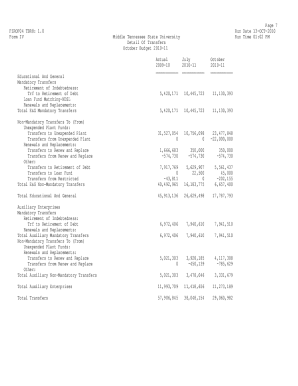
Get Page 7 Fzrof04 Tbr8: 1.0 Run Date 13-oct-2010 Form Iv Middle ...
How it works
-

Open form follow the instructions
-

Easily sign the form with your finger
-

Send filled & signed form or save
How to fill out the Page 7 FZROF04 TBR8: 1.0 Run Date 13-OCT-2010 Form IV Middle online
Filling out the Page 7 FZROF04 TBR8: 1.0 Run Date 13-OCT-2010 Form IV Middle online can streamline the transfer documentation process at Middle Tennessee State University. This guide offers step-by-step instructions to ensure users can efficiently complete the form.
Follow the steps to successfully complete the form online.
- Press the ‘Get Form’ button to obtain the form and open it in the online editor.
- Begin by entering the parameter details. Fill in the 'Parameter Name' field, which identifies the specific entry you are processing.
- Next, provide the 'Budget Id' by selecting the appropriate identifier related to the budget you are managing. Ensure that the information correlates with your records.
- Continue completing the financial details by entering the relevant amounts in the respective sections designated for 'Unexpended Plant Funds', 'Total Auxiliary Enterprises', and 'Total Transfers'.
- Review the field labeled 'Suppress Zero Amounts' and select 'Y' or 'N' depending on whether you want to exclude zero amounts from the report.
- Once all relevant fields are filled out accurately, save your changes. You can choose to download, print, or share the form based on your needs.
Complete your documents online to enhance efficiency and accuracy.
Industry-leading security and compliance
US Legal Forms protects your data by complying with industry-specific security standards.
-
In businnes since 199725+ years providing professional legal documents.
-
Accredited businessGuarantees that a business meets BBB accreditation standards in the US and Canada.
-
Secured by BraintreeValidated Level 1 PCI DSS compliant payment gateway that accepts most major credit and debit card brands from across the globe.