Loading
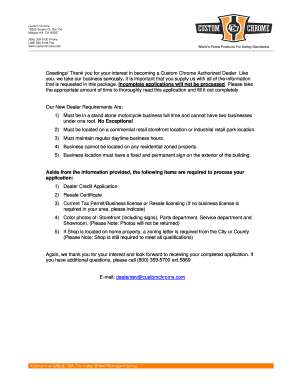
Get Custom Chrome Dealer/credit Application
How it works
-

Open form follow the instructions
-

Easily sign the form with your finger
-

Send filled & signed form or save
How to fill out the Custom Chrome Dealer/Credit Application online
Completing the Custom Chrome Dealer/Credit Application is essential for those seeking to become an authorized dealer. This guide provides step-by-step instructions to ensure that all necessary information is accurately filled out.
Follow the steps to complete your application efficiently.
- Click ‘Get Form’ button to access the application and open it in the designated editor.
- Begin by entering the date at the top of the application. This helps document when the application was initiated.
- Provide your business phone and fax numbers, along with the date your business was started.
- List the names, Social Security numbers, home phone numbers, and addresses of all owners or partners involved in the business.
- Include your Federal I.D. number and bank information such as the bank name, account number, and address.
- Complete the undersigned section by ensuring that all representatives and owners sign where indicated to certify the accuracy of the application.
- Fill out the resale certificate section as instructed, providing details about the seller's permit number and the description of property to be purchased.
- Review all entries for completeness and accuracy. Make sure every section has been filled out where required to avoid processing delays.
- Once everything is complete, save your changes, and prepare to download, print, or share the form as needed.
Start the application process online today to become a Custom Chrome Authorized Dealer.