Loading
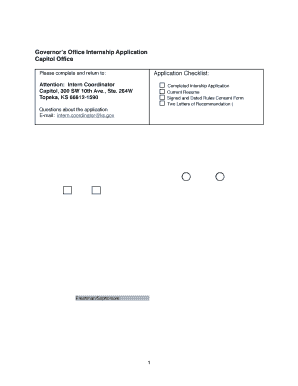
Get Intern Application Rev 3 24 11 - Kansas.gov
How it works
-

Open form follow the instructions
-

Easily sign the form with your finger
-

Send filled & signed form or save
How to fill out the Intern Application Rev 3 24 11 - Kansas.gov online
This guide provides a clear and comprehensive walkthrough for completing the Intern Application Rev 3 24 11 - Kansas.gov online. Whether you are a first-time applicant or have some experience, this resource is designed to help you navigate each section of the application with ease.
Follow the steps to successfully complete your intern application.
- Click ‘Get Form’ button to obtain the application and access it in your browser.
- Begin by filling in your biographical information. This includes your name, social security number, current address, date of birth, and gender. Be sure to select one of the options provided for gender.
- Rank your top five areas where you would like to apply. You should carefully consider your interests and select the relevant departments offered.
- Provide your contact details, including your email address and primary telephone number. If you have a secondary telephone number, include that as well.
- Indicate your educational background by listing your college or university name, your year in school, and your desired internship session (Spring, Summer, or Fall).
- Complete the academic information section, indicating whether you seek academic credit for the internship, and provide your major and GPA if applicable.
- List two individuals who will write letters of recommendation for you. Include their names, titles, addresses, telephone numbers, and email addresses in the respective fields.
- Complete the parent/guardian information section by providing their names, occupations, addresses, telephone numbers, and email addresses.
- Include your current resume and any additional writing sample you wish to submit, if applicable. Make sure that the letters of recommendation are sealed before submitting.
- Review the Kansas Governmental Rules and Regulations Consent section. Sign and date to agree to abide by the relevant rules if selected for the internship.
- After completing all sections, ensure all information is accurate and save your changes. You can then download, print, or share your application as needed.
Complete your intern application online today and take the next step in your career!
Industry-leading security and compliance
US Legal Forms protects your data by complying with industry-specific security standards.
-
In businnes since 199725+ years providing professional legal documents.
-
Accredited businessGuarantees that a business meets BBB accreditation standards in the US and Canada.
-
Secured by BraintreeValidated Level 1 PCI DSS compliant payment gateway that accepts most major credit and debit card brands from across the globe.