Loading
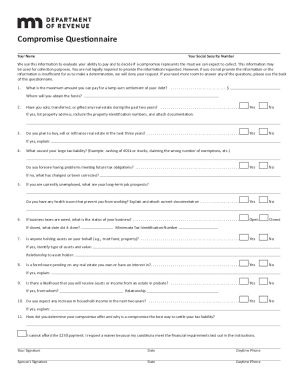
Get Corporate & Commercial Financial Services Agreement
How it works
-

Open form follow the instructions
-

Easily sign the form with your finger
-

Send filled & signed form or save
How to fill out the Corporate & Commercial Financial Services Agreement online
This guide provides step-by-step instructions on how to complete the Corporate & Commercial Financial Services Agreement online. It aims to assist users in navigating the form's components clearly and effectively, ensuring all necessary information is accurately provided.
Follow the steps to complete the agreement successfully.
- Press the ‘Get Form’ button to access the Corporate & Commercial Financial Services Agreement and open it in your preferred editing tool.
- Read through the entire agreement to understand the terms and provisions before filling out the form.
- Begin by entering your company’s legal name and principal address in the designated fields.
- Fill in the contact information for the primary representative of your organization, including their name, title, phone number, and email address.
- Provide a detailed description of the services to be rendered by your company as outlined in the agreement.
- Specify the duration of the agreement, including the start and end dates.
- Complete the section regarding payment terms, including amounts, frequency, and method of payment.
- Review the provisions related to termination and renewal of the agreement to ensure clarity.
- Ensure that all required signatures are included at the end of the document from authorized individuals.
- Once you have completed the form, save your changes, and consider downloading or printing a copy for your records before submission.
Complete your Corporate & Commercial Financial Services Agreement online today for a seamless experience.
Related links form
Corporate Term. – A corporation shall have perpetual existence unless its articles of incorporation provides otherwise. [ REPUBLIC ACT NO. 11232 ] - Securities and Exchange Commission sec.gov.ph https://.sec.gov.ph › wp-content › uploads › 2019/11 sec.gov.ph https://.sec.gov.ph › wp-content › uploads › 2019/11