Loading
Get Ie Esb Networks Form Nc5a 2022-2026
How it works
-

Open form follow the instructions
-

Easily sign the form with your finger
-

Send filled & signed form or save
How to fill out the IE ESB Networks Form NC5A online
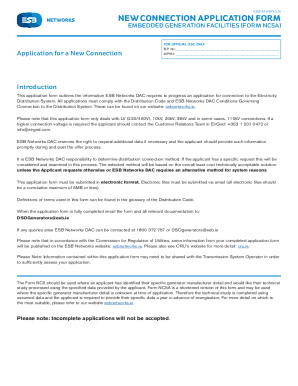
The IE ESB Networks Form NC5A is designed for users applying for a new connection to the Electricity Distribution System. This guide provides clear, step-by-step instructions to assist users in completing the form correctly and efficiently.
Follow the steps to fill out the form accurately.
- Press the ‘Get Form’ button to access the IE ESB Networks Form NC5A and open it in your preferred online editor.
- Complete the applicant details section by providing the full name and contact information of the applicant. If applicable, include the company registration number.
- Fill out the site details section by entering the project name, site name, and full address. Provide accurate substation coordinates as well.
- In the general details section, specify the projected start-up date, target connection date, and indicate if the project is applying to export energy. Include the required maximum export capacity and confirm if the project is an extension.
- For the generator application fees, ensure that the non-refundable deposit of €2,000 is noted, along with the date of EFT payment.
- Attach the necessary maps and diagrams, ensuring they meet the specified requirements, including a clear marking for the facility location.
- Input the maximum import capacity and, if applicable, the required MIC for storage projects.
- Mention the generation type/technology and specify any portions of maximum export capacity allocated to different technologies.
- Confirm the planning permission is in place, provide details, and obtain necessary signatures where indicated.
- Include confirmation of landowner consent and ensure that this is also signed by a solicitor.
- Affirm acceptance of ESB Networks DAC's general conditions in the signature section and ensure all signatures are completed.
- Review all sections for completeness. Save your changes, and then download, print, or share the form as necessary.
Complete your IE ESB Networks Form NC5A online today to ensure timely processing of your application.
Related links form
Once you stop using your generator, it retains some of this magnetic field — we call this residual magnetism. Your generator relies on its residual magnetism to start up the next time you use it. Should it lose its residual magnetism, it will run without producing any energy.