Loading
Get Fairbanks Girl Scouts Pdf
How it works
-

Open form follow the instructions
-

Easily sign the form with your finger
-

Send filled & signed form or save
How to fill out the Fairbanks Girl Scouts Pdf online
This guide provides clear instructions on how to successfully fill out the Fairbanks Girl Scouts Pdf online. It is designed to help users understand each section of the form, ensuring a smooth and efficient experience.
Follow the steps to complete the form online with ease.
- Click the ‘Get Form’ button to access the Fairbanks Girl Scouts Pdf. Once you have obtained the form, you will be able to open it in your preferred editing tool.
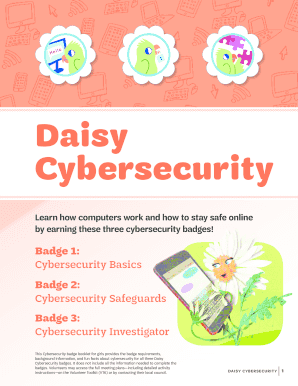
- Begin by carefully reading the introduction section of the form. This will provide context on the purpose and important information regarding the badges offered.
- Fill in the required information in the specified fields. This may include your name, contact details, and any other necessary personal information related to the badges.
- Proceed to each section of the form, ensuring you complete the activities or information required for each badge. Take your time to understand the questions or prompts to give accurate responses.
- Review your entries for accuracy. Double-check to make sure all necessary details have been filled out correctly and thoroughly.
- Once all sections are completed, your final step is to save your changes. You can choose to download a copy for your records, print the completed form, or share it as necessary.
Start filling out your Fairbanks Girl Scouts Pdf online today and join the exciting world of cybersecurity!
Asking the difference between a badge and patch is like asking the difference between a square and rectangle: A badge is a specialized type of patch. Created by GSUSA, with specific criteria to earn them. Each Girl Scout level has its own unique badge shape.