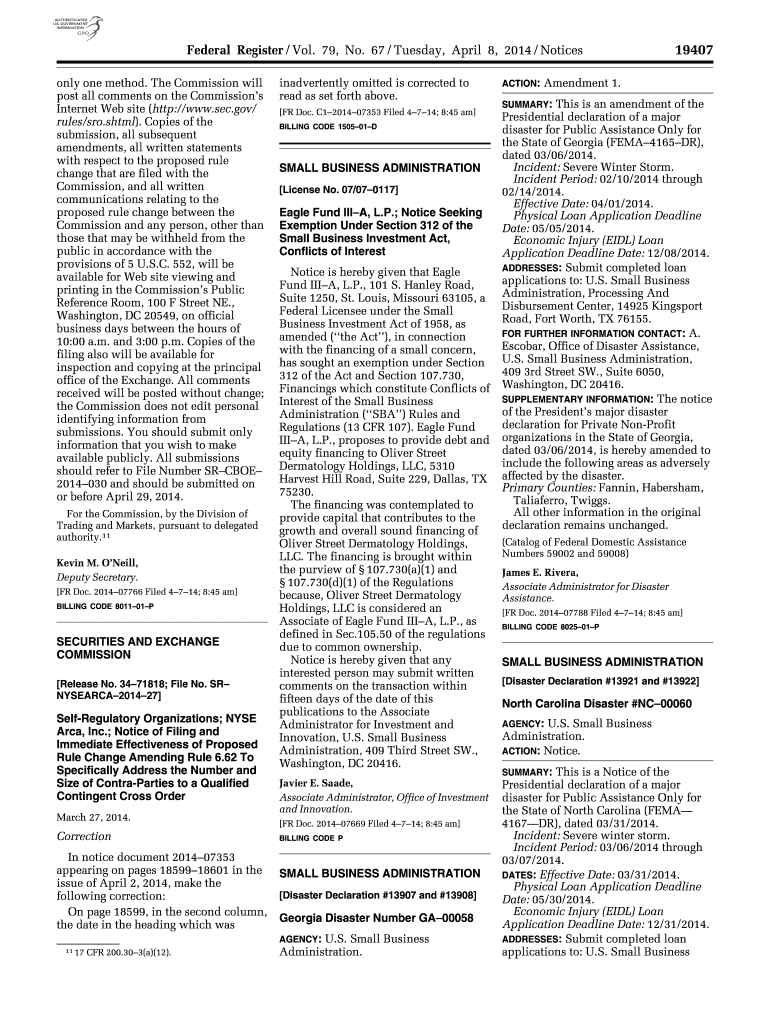
Federal Register / Vol. 79, No. 67 / Tuesday, April 8, 2014 / Notices only one method. The Commission will post all comments on the Commissions Internet Website (http://www.sec.gov/ rules/sro.shtml).
Loading

Open form follow the instructions

Easily sign the form with your finger

Send filled & signed form or save
How to use or fill out the Federal Register/Vol. 79 No. 67 online
Filling out the Federal Register/Vol. 79 No. 67 online is essential for users who wish to submit formal comments or proposals. This guide will provide clear, step-by-step instructions to navigate through the form effectively and ensure successful submission.
Follow the steps to fill out the Federal Register/Vol. 79 No. 67 online
- Click the ‘Get Form’ button to obtain the form and open it in the editor.
- Read the introductory sections carefully to understand the purpose of the notice and any specific instructions regarding submissions. Ensure you note the submission deadline, which is crucial for compliance.
- Locate the required fields for your submission. This may include your name, organization, and contact information. Fill in these fields clearly and accurately.
- Provide detailed comments or proposals in the designated area. Be specific and clear, as this will help the Commission understand your position.
- Review your submission for completeness and accuracy. Ensure that all required fields are filled in and that your comments convey your message succinctly.
- Save your changes using the options available in the editor. You may also choose to download or print the form for your records.
- Submit your completed form as instructed. Ensure that you follow any additional steps outlined regarding where to send your submission, such as referencing the correct file number.
Complete your form submission online today to ensure your voice is heard in the regulatory process.
Experience a faster way to fill out and sign forms on the web. Access the most extensive library of templates available.
Related content
Apr 8, 2014 — This proposed change expands the scope of the regulations to apply to...
by BAR Burden · 2013 — As required by law, this update is accomplished by increasing...
OSHA used these estimates as the basis for requiring hearing conservation programs for...
Get answers to your most pressing questions about US Legal Forms API.
What is the Federal Register?
The Federal Register is a daily gazette containing Presidential documents and new and amended Federal regulations. The Office publishes the complete set of Federal rules in the Code of Federal Regulations.
Where can I access my Federal Register?
To find a more recent, unofficial issue of the Federal Register, view the Public Inspection issue online at .federalregister.gov, a service of the National Archives and Records Administration's Office of the Federal Register.
Is the Federal Register a primary source?
Primary Source of Government Information. Official website of the Office of the Federal Register. The site provides access to documents back to 1994, and a link is provided to each new daily issue.
Is the Federal Register available to the public?
Availability of Documents Starting about 8:45 a.m. every federal business day, you can use the Public Inspection page on FederalRegister.gov to: Browse the list of documents filed for public inspection and. Read and print copies of documents in PDF format.
What type of source is Federal Register?
Published by the Office of the Federal Register, National Archives and Records Administration (NARA), the Federal Register is the official daily publication for rules, proposed rules, and notices of Federal agencies and organizations, as well as executive orders and other presidential documents.
Is the Federal Register a database?
The Federal Register is the official journal of the federal government of the United States. The database is updated daily and its coverage is comprehensive, beginning from inception in 1936.
Use professional pre-built templates to fill in and sign documents online faster. Get access to thousands of forms.
If you believe that this page should be taken down, please follow our DMCA take down process here.