Loading
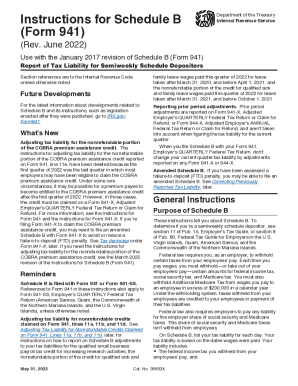
Get Irs Instructions 941 - Schedule B 2022
How it works
-

Open form follow the instructions
-

Easily sign the form with your finger
-

Send filled & signed form or save
How to fill out the IRS Instructions 941 - Schedule B online
This guide provides a comprehensive overview of how to fill out the IRS Instructions 941 - Schedule B online. Designed for both novice and experienced users, this resource will help you understand each section and field of the form, ensuring your submissions are accurate and compliant.
Follow the steps to successfully complete your IRS Instructions 941 - Schedule B online.
- Press the 'Get Form' button to access the form and open it in your editing tool.
- Enter your employer identification number (EIN) and name at the top of Schedule B, ensuring they match your IRS records accurately.
- Select the box for the quarter for which you are filing Schedule B. Ensure it aligns with what you indicated on Form 941 or Form 941-X.
- In the monthly sections, record your tax liabilities for each day corresponding to when wages were paid to employees. Consider each month of the quarter separately.
- Calculate your total liability for the quarter by summing the tax liabilities reported for each month, which should match the amount on line 12 of Form 941.
- If applicable, review your entries for any adjustments due to nonrefundable credits that may affect your tax liabilities and make corrections as necessary.
- Once you have completed and reviewed the form, you can save changes, download, print, or share the completed Schedule B as needed.
Complete your documents online to ensure accuracy and compliance.
Get form
Experience a faster way to fill out and sign forms on the web. Access the most extensive library of templates available.
Get This Form Now!
Use professional pre-built templates to fill in and sign documents online faster. Get access to thousands of forms.