Loading
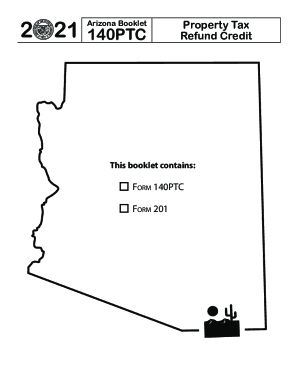
Get Az Ador Booklet 140ptc 2021
How it works
-

Open form follow the instructions
-

Easily sign the form with your finger
-

Send filled & signed form or save
How to fill out the AZ ADOR Booklet 140PTC online
Filling out the Arizona Department of Revenue Form 140PTC can be a straightforward process if approached step by step. This guide provides detailed instructions for completing the form online, ensuring that you can easily claim your property tax refund credit.
Follow the steps to complete your 140PTC form accurately.
- Click ‘Get Form’ button to obtain the form and open it in the editor.
- Enter your first name, middle initial, and last name. If you are submitting a joint claim, include your partner’s information.
- Provide your current home address including street number, rural route, and apartment number if applicable.
- Input your Social Security Number (SSN) and your partner’s SSN next to their name if filing jointly.
- Enter your date of birth in the specified section to confirm your age.
- Review the qualifications for credit and check the appropriate boxes that apply to your situation.
- List your total household income by entering all relevant earnings in the designated fields provided in the income section.
- Proceed to calculate your credit amount based on your qualifications and total property taxes paid.
- For renters, obtain Form 201 from your landlord, complete it, and attach it with your Form 140PTC submission.
- Double-check all entries for accuracy before saving your form. Finalize your submission by downloading, printing, or sharing the completed form.
Complete your documents online today to ensure a timely submission!
Get form
Experience a faster way to fill out and sign forms on the web. Access the most extensive library of templates available.
Get This Form Now!
Use professional pre-built templates to fill in and sign documents online faster. Get access to thousands of forms.