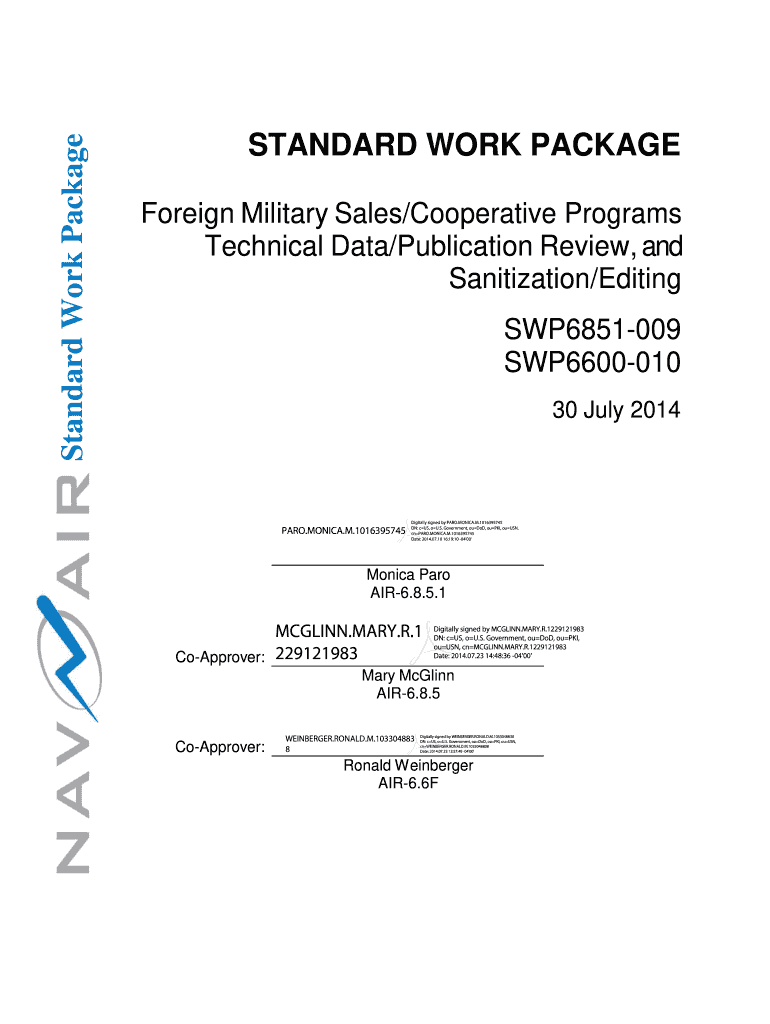
ICA.M.1016395745 Digitally signed by PARO.MONICA.M.1016395745 DN: c US, o U.S. Government, ou DoD, ou PKI, ou USN, cn PARO.MONICA.M.1016395745 Date: 2014.07.10 16:19:10 -04'00' Monica Paro AIR-6.8.5.1 MCGLINN.MARY.R.1 Co-Approver: 229121983 Digitally signed by MCGLINN.MARY.R.1229121983 DN: c US, o U.S. Government, ou DoD, ou PKI, ou USN, cn MCGLINN.MARY.R.1229121983 Date: 2014.07.23 14:48:36 -04'00' Mary McGlinn AIR-6.8.5 Co-Approver: WEINBERGER.RONALD.M.103304883 8 Digitally signed by W.
Loading

Open form follow the instructions

Easily sign the form with your finger

Send filled & signed form or save
How to fill out the SWP6851-009 SWP6600-010 online
Filling out the SWP6851-009 SWP6600-010 forms online can seem daunting at first, but with clear instructions, you can navigate the process with confidence. This guide provides a step-by-step approach to ensure that you complete each section accurately and efficiently.
Follow the steps to effectively complete the form online.
- Press the ‘Get Form’ button to access the form and open it in your online document editor.
- Begin by filling out the fields in Section 1.0 (Purpose). Clearly state the objective of your submission and ensure your details are aligned with the guidelines outlined in the document.
- Proceed to Section 2.0 (Inputs/Suppliers). Here, provide relevant references and the required input files or documentation that support your review and sanitization process.
- In Section 3.0 (Owner), specify who owns the standard work package. This may include the Program Management Office and associated personnel.
- Complete Section 4.0 (Review and Sanitization Requirements) by detailing the process for reviewing and sanitizing the technical data/publication as instructed.
- Fill out Section 5.0 (Skills Required) to indicate the skills necessary for the sanitization/editing team to perform their duties effectively.
- In Section 6.0 (Resources), list all tools and resources that will be utilized during the sanitization/editing process.
- Move to Section 7.0 (Work Steps) and outline the steps your team will take during the sanitization process, ensuring all team members are aware of their responsibilities.
- Complete Section 8.0 (Completion Requirements) to record any additional approval processes that may be necessary after the initial TMAPS process is finished.
- Finalize with Section 9.0 (Product Format and Configuration) where you will state the format requirements of the final product.
- Once completed, make sure to save your changes. You have the option to download, print, or share your form as needed to complete the submission process.
Begin filling out the SWP6851-009 SWP6600-010 online today to ensure accurate processing of your technical data.
Experience a faster way to fill out and sign forms on the web. Access the most extensive library of templates available.
Use professional pre-built templates to fill in and sign documents online faster. Get access to thousands of forms.
If you believe that this page should be taken down, please follow our DMCA take down process here.