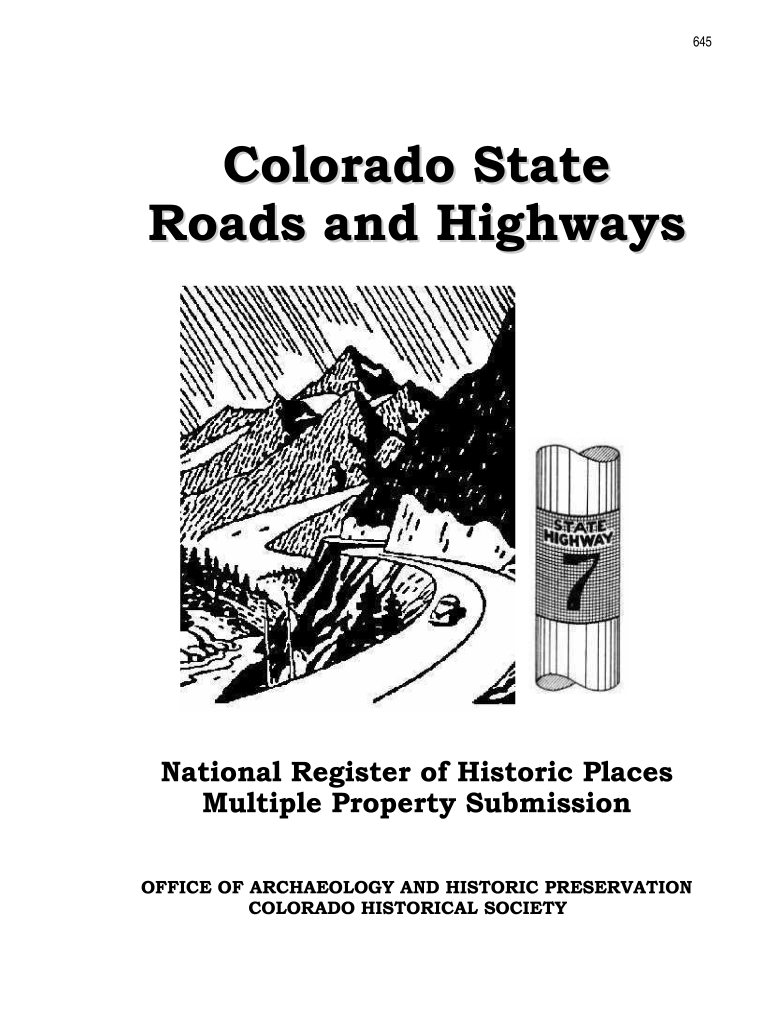
900-b (Revised March 1992) OMB No. 1024-0018 United States Department of the Interior National Park Service National Register of Historic Places Multiple Property Documentation Form This form is used for documenting multiple property groups relating to one or several historic contexts. See instructions in How to Complete the Multiple Property Documentation Form (National Register Bulletin 16B). Complete each item by entering the requested information. For additional space, use continuation sh.
Loading

Open form follow the instructions

Easily sign the form with your finger

Send filled & signed form or save
How to fill out the CO NPS 10-900a online
This guide provides a comprehensive overview of the CO NPS 10-900a form, guiding users step-by-step through each section and field to ensure accurate and effective completion of this important document.
Follow the steps to successfully complete the CO NPS 10-900a online.
- Press the ‘Get Form’ button to obtain the form and open it in your preferred editing tool.
- Begin by filling out the form title at the top of the page. This should reflect the specific property or multiple property listing.
- In Section A, provide the name of the multiple property listing clearly and accurately.
- In Section B, list all associated historic contexts. This should accurately reflect the significant historical themes relevant to the property.
- Section C requires you to enter the details of the person preparing the form, including name, title, organization, and contact information.
- In Section D, include the necessary certification details. Ensure that the certifying official’s name, title, agency, signature, and date are correctly filled out.
- Fill out Section E with a statement of historic contexts along with page numbers for associated narratives if applicable.
- Proceed to Section F, which details the registration requirements for cultural resources like roads and highways. Ensure all applicable requirements are addressed.
- In Section G, provide geographical data pertinent to the property being documented.
- In Section H, summarize the identification and evaluation methods used to assess the property.
- Finally, review the entire form for accuracy, save your changes, and prepare it for submission, whether by downloading, printing, or sharing as needed.
Complete your CO NPS 10-900a form online today to assist in preserving Colorado's historic resources.
Experience a faster way to fill out and sign forms on the web. Access the most extensive library of templates available.
Related content
Bibliography (Cite the books, articles, and other sources used in preparing this form.)...
As the designated authority under the National Historic Preservation Act of 1986, as...
The NPS can be conveniently mounted in an equipment rack, a wall, pole ... 10A...
Get answers to your most pressing questions about US Legal Forms API.
What kind of buildings are generally excluded from the National Register?
Buildings that are not eligible for the National Register usually include those that lack historic significance, such as modern constructions or recent developments. Additionally, properties that have been heavily altered or destroyed may not qualify. Certain government-owned properties and structures without sufficient documentation can also be excluded. Knowing these exclusions can streamline your application process, making the CO NPS 10-900a form simpler to navigate.
What is the difference between a national historic landmark and the National Register?
The main difference is that national historic landmarks are designated by the Secretary of the Interior for their exceptional historical significance, while the National Register includes properties of local, state, or national importance. Although both serve to recognize important historical places, only landmarks receive a higher level of federal recognition. Understanding these distinctions can be helpful when completing the CO NPS 10-900a form.
Can you renovate on the National Register of Historic Places?
Yes, you can renovate a property listed on the National Register of Historic Places, but certain guidelines apply. When planning renovations, it is essential to maintain the property’s integrity and historic features. Using appropriate materials and designs is crucial to ensure compliance. Consulting resources or services like uslegalforms can provide guidance on suitable methods and necessary documentation.
How is a house considered historic?
A house is considered historic if it meets specific criteria set out by the National Park Service. Generally, it must be at least 50 years old and possess historic significance or integrity. Factors like architectural style, historical events, or association with significant individuals mostly determine this status. The CO NPS 10-900a form plays a critical role in illustrating these elements during the application process.
How do I list a property on the National Register of Historic Places?
To list a property on the National Register of Historic Places, you need to complete the CO NPS 10-900a form. This vital form gathers essential information about your property’s history and significance. After you fill it out, submit it to your state's historic preservation office. They will review your application and forward it to the National Park Service for final approval.
What are the tax benefits of a historic home?
Owning a historic home can offer significant tax benefits, such as property tax incentives and potential federal income tax deductions for rehabilitation projects. These advantages stem from the recognition under the CO NPS 10-900a guidelines. To fully understand and capitalize on these benefits, consider consulting professionals or services like US Legal Forms.
What is a determination of eligibility for the national park service?
A determination of eligibility is an official evaluation that assesses whether a property qualifies for inclusion in the National Register of Historic Places. This process follows the guidelines outlined in CO NPS 10-900a. If you are seeking clarity on your property's status, consulting with experts or utilizing US Legal Forms can provide the guidance you need.
How to apply for the National Register of Historic Place?
Applying for the National Register of Historic Places involves several steps, including gathering documentation and preparing the CO NPS 10-900a form. You'll need to provide information on your property's history and significance. For many, using a service like US Legal Forms can streamline the application, ensuring all requirements are met efficiently.
What is the difference between national historic landmark and National Register?
The National Historic Landmark designation recognizes sites of exceptional historical significance, while the National Register of Historic Places includes a wider range of properties worthy of preservation. Both are important under the CO NPS 10-900a guidelines, but a landmark is a stricter classification. Understanding these differences can help you determine how best to preserve your property.
How do I open an NPS file?
Opening an NPS file typically involves accessing documents related to historic properties through the National Park Service. You may start by navigating to their official website to access resources and files pertaining to the CO NPS 10-900a. Additionally, coordinating with your state's historic preservation office can streamline the process. They can help guide you to relevant files and assist with your inquiries.
Use professional pre-built templates to fill in and sign documents online faster. Get access to thousands of forms.
If you believe that this page should be taken down, please follow our DMCA take down process here.