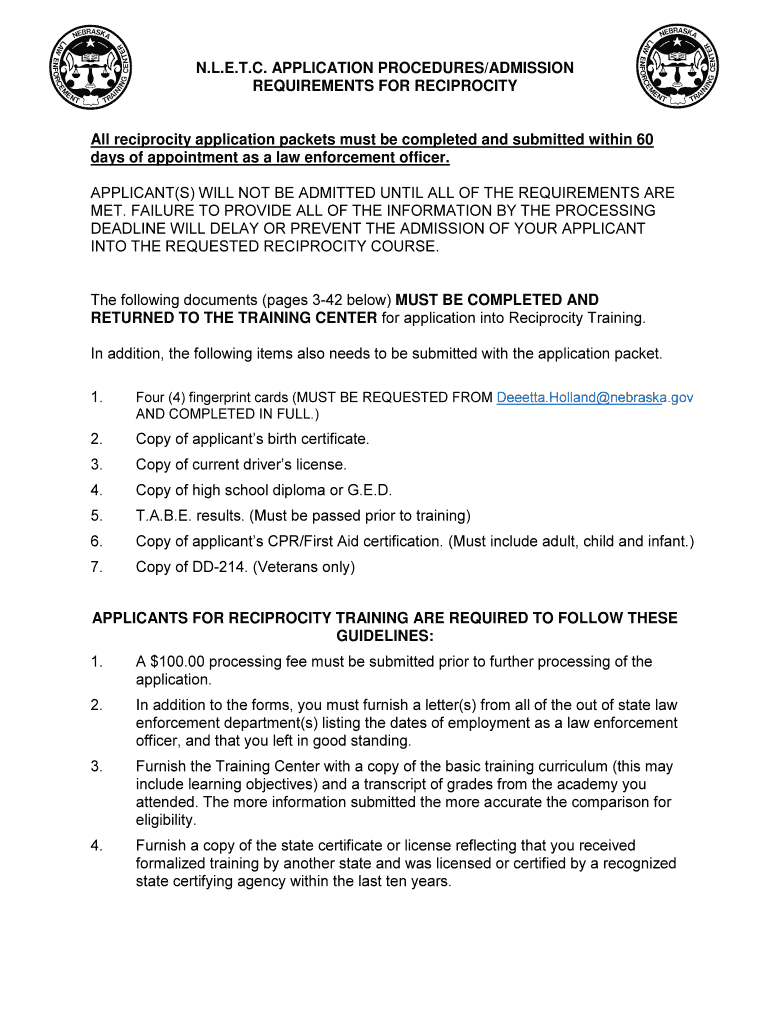
N.L.E.T.C. APPLICATION PROCEDURES/ADMISSION REQUIREMENTS FOR RECIPROCITYAll reciprocity application packets must be completed and submitted within 60 days of appointment as a law enforcement officer. APPLICANT(S).

Open form follow the instructions

Easily sign the form with your finger

Send filled & signed form or save
How to fill out the NE TC-001 online
Filling out the NE TC-001 form correctly is essential for law enforcement officers seeking to apply for reciprocity training. This guide provides clear, step-by-step instructions to help users navigate the online form with ease.
Follow the steps to complete the NE TC-001 form online
- Click ‘Get Form’ button to obtain the document and access it in the editor.
- Begin by entering your personal information. Fill in your name, date of birth, and social security number in the designated fields.
- Provide your current contact information, including your address and phone number. Ensure all details are accurate to avoid processing delays.
- Complete the section regarding your law enforcement experience. Indicate the agency you worked for, the dates of your employment, and whether you have been certified in any other state.
- If applicable, outline any prior legal issues by responding to the criminal history questions thoroughly, ensuring clarity and accuracy.
- Attach supporting documents as requested, including fingerprint cards, birth certificate, driver's license, high school diploma or G.E.D., and any other required certifications.
- Review your completed form for any errors or omissions and make corrections as necessary to ensure all fields are filled out completely.
- Once satisfied with your entries, save your changes. You may then download, print, or share the form as needed.
Begin filling out your NE TC-001 form online today to ensure timely processing of your application.
Experience a faster way to fill out and sign forms on the web. Access the most extensive library of templates available.
Related content
TC-001. Rev.09/2021. Personal Change-In-Status Form. This form must be completed and...
We set up our TC-1 seismometer on the field level of Memorial Stadium during the Huskers...
1% IC. Non-Small Cell Lung. Cancer. (NSCLC). TECENTRIQ. ≥ 50% TC or ≥ 10% IC...
Get answers to your most pressing questions about US Legal Forms API.
How do you activate a bark collar?
Fit the collar With your dog standing, center the probes on the neck. Check that only one finger fits between the probe and your dog's neck. Hold the collar with the vibration sensor down. ... Watch for a red light and listen for a beep to confirm that the collar is activating.
How do I know if my dogs bark collar is working?
0:21 1:02 How to test the Premier Pet Bark collar - YouTube YouTube Start of suggested clip End of suggested clip Then it will sound the normal power off tone. And turn itself off the test can be stopped at anyMoreThen it will sound the normal power off tone. And turn itself off the test can be stopped at any time by pressing the on/off button.
How do you use a NBJU bark collar for dogs?
1:40 2:59 NBJU Bark Collar for Dogs,Rechargeable Anti ... - YouTube YouTube Start of suggested clip End of suggested clip First. And then it's going to go to the vibrate. And then it's going to go to the static shock andMoreFirst. And then it's going to go to the vibrate. And then it's going to go to the static shock and you're going to be able to set the settings. The intensity. Level for the vibrate.
How long can you leave a bark collar on a dog?
Remember, 12. hours per day is the maximum time frame that a dog can wear a bark collar. Use the bark collar for at least one month before checking if your dog's behavioural patterns have changed. If your dog is still barking, repeat the process over a longer period of time.
How do you use a NBJU bark collar?
1:40 2:59 NBJU Bark Collar for Dogs,Rechargeable Anti ... - YouTube YouTube Start of suggested clip End of suggested clip First. And then it's going to go to the vibrate. And then it's going to go to the static shock andMoreFirst. And then it's going to go to the vibrate. And then it's going to go to the static shock and you're going to be able to set the settings. The intensity. Level for the vibrate.
Use professional pre-built templates to fill in and sign documents online faster. Get access to thousands of forms.
If you believe that this page should be taken down, please follow our DMCA take down process here.