Loading
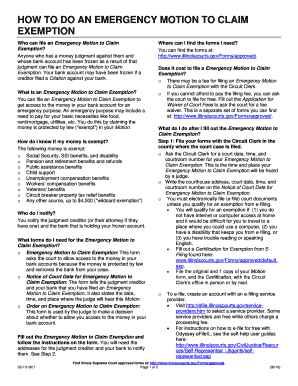
Get Il Sci 3102.1 2018-2026
How it works
-

Open form follow the instructions
-

Easily sign the form with your finger
-

Send filled & signed form or save
How to fill out the IL SCI 3102.1 online
The IL SCI 3102.1 is essential for those seeking to file an Emergency Motion to Claim Exemption, allowing access to frozen funds under specific legal protections. This guide will walk you through each step of completing the form online with clear directions tailored to your needs.
Follow the steps to effectively fill out the IL SCI 3102.1 online.
- Press the ‘Get Form’ button to access the IL SCI 3102.1 and open it for editing.
- Begin filling out the form by providing your personal information in the designated fields, including your full name, address, and contact details. Ensure all information is accurate to avoid processing delays.
- In the section regarding the judgment creditor, enter the name and address of the individual or entity who holds the judgment against you. This information is crucial for notifying them appropriately.
- Detail the frozen funds you are claiming as exempt. Be specific about the source of these funds, such as Social Security benefits or unemployment compensation, and include relevant amounts or account details that verify your claim.
- Identify the emergency purpose for needing access to these funds. Clearly state why you require access, such as for essential living costs like food, housing, or medical bills.
- Review all entries thoroughly for accuracy and completeness before saving your work. Ensure you have attached any necessary documentation required to substantiate your claims, if applicable.
- Once satisfied, save your changes, and choose to download or print the form. You may also share a copy electronically through email or other platforms as needed.
Complete your IL SCI 3102.1 online today to secure your exemption rights.