Loading
Get Capital Tax
How it works
-

Open form follow the instructions
-

Easily sign the form with your finger
-

Send filled & signed form or save
How to fill out the Capital Tax online
Filling out the Capital Tax form can be a straightforward process when approached systematically. This guide provides a detailed, step-by-step walkthrough to assist you in accurately completing the online form, ensuring you provide all necessary information.
Follow the steps to successfully complete the Capital Tax form.
- Click ‘Get Form’ button to obtain the form and open it in your preferred digital document management system.
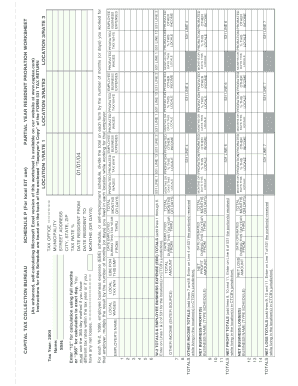
- Begin by entering your personal information, including your name and Social Security Number (SSN), at the top of the form. Ensure that the tax year is correctly indicated as 2004.
- Fill in your address details, including city, state, and zip code, to confirm your residence for tax purposes.
- Document the months or days of residency for the tax year by specifying the 'date resident from' and the 'date resident to.' Ensure that your entries accurately reflect your residency.
- Input your applicable tax rate percentage in the designated field to determine your tax obligations based on your income.
- Complete the sections detailing your net profit or loss for the tax year. Record the total net profit and the net business loss, ensuring proper calculations based on the indicated months or prorated days.
- For any W-2 or 1099 forms, summarize your earnings and business expenses, ensuring that they are correctly attributed to the time you lived in each location.
- After filling in all necessary fields and ensuring accuracy, review your document for any oversights or missing information.
- Once you have completed the form, you can save your changes, download a copy for your records, print it for submission, or share it as needed.
Start filling out your Capital Tax form online today for a smooth tax filing experience.
Use 1031 Exchanges to Avoid Taxes Homeowners can avoid paying taxes on the sale of their home by reinvesting the proceeds from the sale into a similar property through a 1031 exchange.