Loading
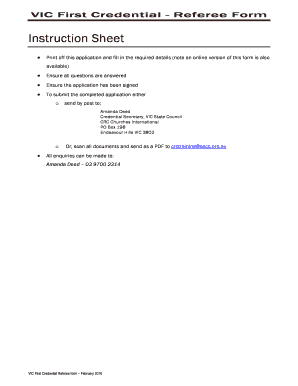
Get Vic Credential Referee Form Written - Crcchurches.org
How it works
-

Open form follow the instructions
-

Easily sign the form with your finger
-

Send filled & signed form or save
How to fill out the VIC Credential Referee Form Written - Crcchurches.org online
Filling out the VIC Credential Referee Form Written is an essential step for applicants seeking credentials. This guide is designed to help you through the process of completing the form online with clarity and support.
Follow the steps to successfully complete the form online.
- Click the ‘Get Form’ button to obtain the form and open it for editing.
- Begin by providing your name and email address in the designated fields at the top of the form.
- Next, enter the applicant's name, ensuring that the information is accurate and clearly stated.
- Fill out the duration you have known the applicant by inputting the years and months in the respective blanks.
- Indicate how well you know the applicant by selecting one of the provided options, such as ‘Slightly,’ ‘Casually,’ or ‘Very well.’
- Choose the nature of your relationship with the applicant by checking all applicable options from the list.
- Assess the applicant’s character by selecting the type of companions they usually associate with.
- Respond to questions regarding the applicant’s financial habits and confidence in their spiritual experience, selecting ‘Yes,’ ‘No,’ or ‘Not sure.’
- Continue filling out the sections regarding the applicant's influence on others, moral attitudes, health issues, and general personality traits by answering the questions.
- Rate the applicant on various aspects of their character and abilities by using the given scoring system from 1 (poor) to 5 (excellent).
- Evaluate if the applicant shows any notable personality traits that may affect their relationships and provide additional comments if necessary.
- Complete the final sections, answering whether you recommend the applicant for a credential, including your signature and the date.
- Once the form is filled out, review all entries for accuracy, then save your changes. You can download, print, or share the form as needed.
Complete your documents online today to support the credentialing process!