Loading
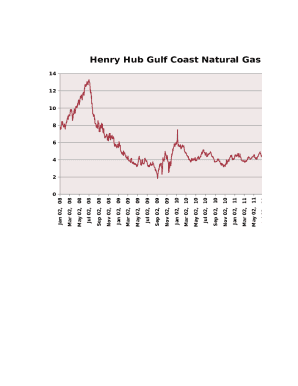
Get Henry Hub Gulf Coast Natrl Gas
How it works
-

Open form follow the instructions
-

Easily sign the form with your finger
-

Send filled & signed form or save
How to fill out the Henry Hub Gulf Coast Natrl Gas online
This guide provides a structured approach to completing the Henry Hub Gulf Coast Natural Gas form online. It aims to empower users with clear instructions, ensuring the process is straightforward and user-friendly.
Follow the steps to successfully complete the Henry Hub Gulf Coast Natrl Gas form.
- Press the ‘Get Form’ button to access the Henry Hub Gulf Coast Natrl Gas form and open it within your editing workspace.
- Review the form's introductory section. Here, you will find essential information about the purpose of the document and the necessary requirements for completing it.
- Begin filling out the required fields in the first section. Ensure you provide accurate information regarding your personal details. This may include your name, address, and contact information.
- Proceed to the next section regarding the natural gas specifics. Complete any fields related to the gas measurements, pricing, and relevant effective dates.
- Review the income or pricing history fields. If applicable, input any required historical pricing data to align with the current submission.
- Before finalizing your document, double-check all the fields for accuracy and completeness. Mistakes can lead to processing delays.
- Once you have confirmed that all information is correct, save your changes. You may then download a copy of your form, print it for records, or share it directly as necessary.
Take the next step towards efficient digital document management by completing your forms online today.
Related links form
NYMEX is a commodities trading exchange that started in 1872 and was acquired by CME Group in 2008. The exchange lists futures and options on various metals, energy, and agricultural commodities.