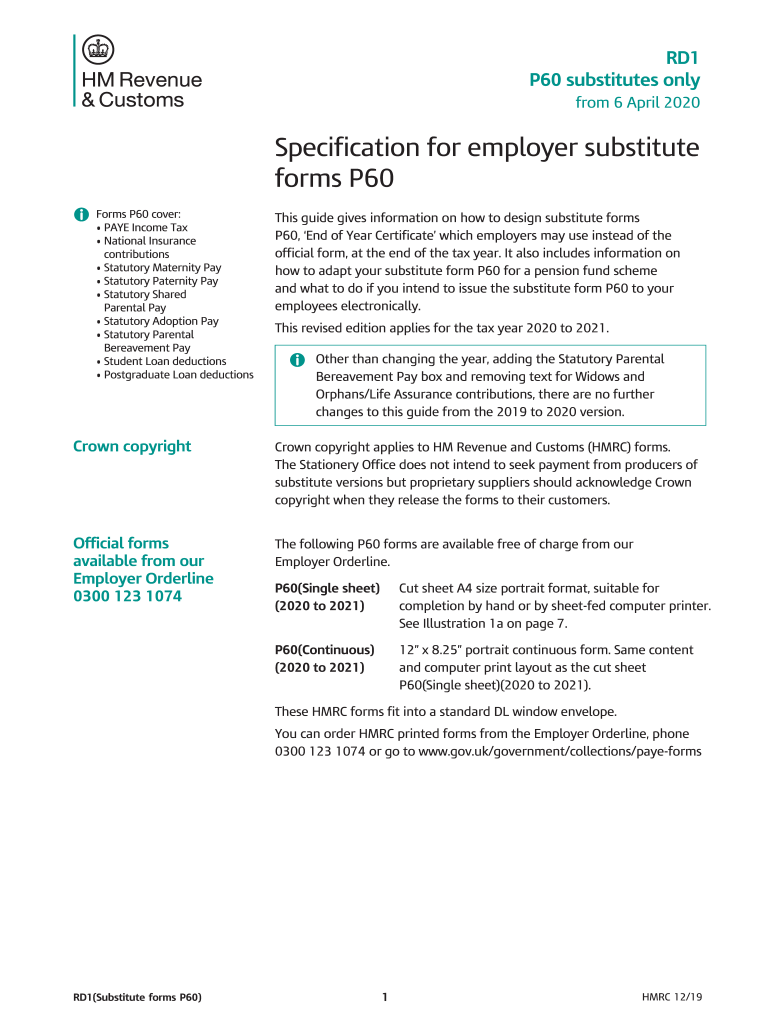
Ory Maternity Pay Statutory Paternity Pay Statutory Shared Parental Pay Statutory Adoption Pay Statutory Parental Bereavement Pay Student Loan deductions Postgraduate Loan deductions This guide gives information on how to design substitute forms P60, End of Year Certificate which employers may use instead of the official form, at the end of the tax year. It also includes information on how to adapt your substitute form P60 for a pension fund scheme and what to do.
Loading

Open form follow the instructions

Easily sign the form with your finger

Send filled & signed form or save
How to fill out the UK HMRC RD1 online
This guide provides a comprehensive overview of how to fill out the UK HMRC RD1 online. It includes detailed instructions for each section of the form, ensuring you have the necessary information to complete it confidently.
Follow the steps to successfully complete the UK HMRC RD1 online.
- Press the ‘Get Form’ button to access the RD1 form and open it in the editor.
- Begin by entering the tax year to 5 April at the top of the form. Ensure that this is clearly stated as it identifies the period for which the P60 is being issued.
- Fill in the employee’s details, including their surname, forenames or initials, National Insurance number, and payroll number where applicable. This information helps to accurately identify the employee associated with the P60.
- Provide all required income and tax details, including amounts for pay and tax deducted for both previous and current employment. Clearly indicate whether any refund is applicable.
- Complete the National Insurance contributions section, ensuring that information is separately listed for any table letters used during the year. This section must comply with legal requirements.
- Include details about any statutory payments, such as Maternity Pay, Paternity Pay, and any relevant deductions for Student Loans or Postgraduate Loans.
- Ensure that your unique identifier is printed at the bottom of the form as part of the form number. This helps to clearly identify the origin of the substitute P60.
- Lastly, review all entries for accuracy, save the changes, then proceed to download, print, or share the completed RD1 as necessary.
Complete your documents online with confidence — start filling out the UK HMRC RD1 today.
Experience a faster way to fill out and sign forms on the web. Access the most extensive library of templates available.
Related content
Exhibits, Financial Statement Schedules and Reports of Form 8-K .. ... As in the U.S., our...
Use professional pre-built templates to fill in and sign documents online faster. Get access to thousands of forms.
If you believe that this page should be taken down, please follow our DMCA take down process here.
This form is available in several versions. Select the version you need from the drop-down list below.