Loading
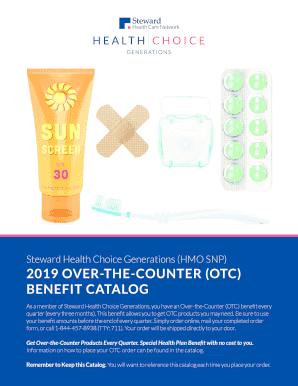
Get Health Choice Generations Otc Login
How it works
-

Open form follow the instructions
-

Easily sign the form with your finger
-

Send filled & signed form or save
How to fill out the Health Choice Generations Otc Login online
The Health Choice Generations Otc Login form provides a convenient way for members to order Over-the-Counter (OTC) products. This guide will offer clear, step-by-step instructions for completing the form online, ensuring you utilize your benefits effectively.
Follow the steps to successfully complete your OTC order.
- Click ‘Get Form’ button to obtain the form and open it in the editor.
- Complete your personal information by filling in your member ID, date of birth, first name, last name, and address details. Ensure that you provide an accurate daytime phone number and optionally your email address.
- In the product selection section, choose the items you wish to order by entering the item number, desired quantity, and check each product's unit price.
- Calculate the total order value by adding up the costs of all selected items. Ensure that your total does not exceed your benefit amount.
- After verifying all your entries, save your changes. You may then choose to download, print, or share the completed order form via email.
Complete your OTC order form online to ensure timely delivery of your products.
You can check the balance on your OTC card at any time by: calling 1‑888‑682‑2400. You will be asked to enter your OTC card number. or by visiting .otcmember.com. Once on the site, you will be asked to enter your OTC card number. or by calling Member Services.