Loading
Get Inf 4
How it works
-

Open form follow the instructions
-

Easily sign the form with your finger
-

Send filled & signed form or save
How to fill out the Inf 4 online
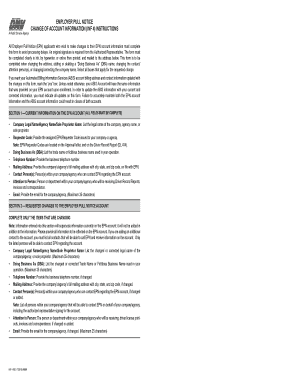
The Inf 4 form is essential for employers seeking to update their Employer Pull Notice account information. Completing this form correctly ensures that your updates are processed without delay.
Follow the steps to seamlessly fill out the Inf 4 online.
- Click ‘Get Form’ button to access the document and open it in the editor.
- In section 1, enter your current EPN account information. This includes your company’s legal name, requester code, doing business as (DBA) name, and contact details. Ensure all fields are filled clearly.
- Proceed to section 2 for requested changes. You should only fill out items that are changing. For each field that applies, provide the updated information accurately.
- In section 3, certify the changes by providing your printed name, signing where indicated, and noting the date you are submitting the form.
- Review all entries for accuracy and completeness before saving changes to your form.
- After completing the form, you can choose to download, print, or share the document as required.
Complete your Inf 4 form online today to ensure your Employer Pull Notice account information is up to date.
Related links form
1-800-735-2922 from voice phones.