Loading
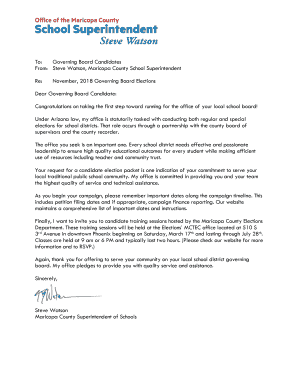
Get Mcesa Letterhead. Mcesa Letterhead
How it works
-

Open form follow the instructions
-

Easily sign the form with your finger
-

Send filled & signed form or save
How to use or fill out the MCESA Letterhead online
Filling out the MCESA Letterhead is a crucial step for governing board candidates in Maricopa County. This guide provides comprehensive, step-by-step instructions to ensure that all information is accurately filled out, helping you to smoothly navigate the online process.
Follow the steps to fill out the MCESA Letterhead effectively.
- Click the ‘Get Form’ button to retrieve the MCESA Letterhead form and open it in your preferred online editor.
- Begin by entering your contact details in the designated fields. Ensure you use your current residential address, including city, state, and ZIP code.
- Fill out your candidate information. This includes your full name, which should appear as you wish on the ballot, and your political affiliation if applicable.
- Specify the office you are seeking, along with the relevant district. If you are running for a two-year term, make sure to indicate the expiration date of the term.
- Complete any necessary declarations, ensuring all information provided is accurate. This includes residency requirements and other qualifications.
- Prepare to submit key documents as required, such as a recent photograph and a typewritten statement, if required for your nomination.
- Review the entire form for any errors or omissions before saving your changes and proceeding to download, print, or share the completed document as needed.
Get started with your MCESA Letterhead form today by completing it online!