Loading
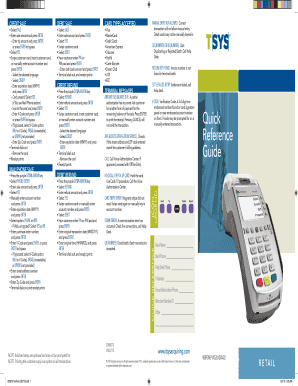
Get Quick Reference Guide - Dharma Merchant Services
How it works
-

Open form follow the instructions
-

Easily sign the form with your finger
-

Send filled & signed form or save
How to fill out the Quick Reference Guide - Dharma Merchant Services online
This guide will provide you with a clear and supportive overview of how to effectively fill out the Quick Reference Guide for Dharma Merchant Services online. By following these steps, you can easily navigate through the necessary components of the form.
Follow the steps to complete the Quick Reference Guide efficiently.
- Click 'Get Form' button to obtain the Quick Reference Guide and open it in your chosen editor.
- Begin with the 'CREDIT SALE' section: select 'SALE', enter the sale amount, and press ENTER. Then, enter the tip amount and press ENTER or press ENTER to bypass this step.
- For 'MAIL/PHONE SALE', press the purple DOWN ARROW key, select 'PHONE ORDER', enter the sale amount, and press ENTER. Proceed with similar steps to fill in the information needed as shown in the guide.
- Review terminal messages carefully and ensure accurate entries as prompted. This is crucial for successful transactions.
Complete the documents online to streamline your transaction processes with Dharma Merchant Services.