Loading
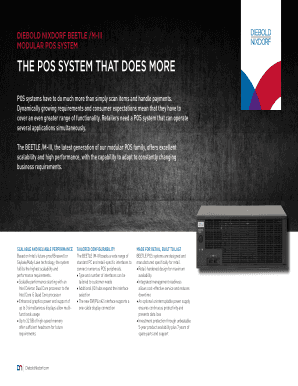
Get Diebold Nixdorf Beetle /m-iii
How it works
-

Open form follow the instructions
-

Easily sign the form with your finger
-

Send filled & signed form or save
How to use or fill out the DIEBOLD NIXDORF BEETLE /M-III online
Filling out the DIEBOLD NIXDORF BEETLE /M-III form online can be a straightforward process when approached step-by-step. This guide provides a clear pathway to ensure you successfully complete the form while obtaining all necessary information.
Follow the steps to complete your form efficiently.
- Use the 'Get Form' button to access the DIEBOLD NIXDORF BEETLE /M-III document and open it in your preferred online editor.
- Begin by entering your basic information in the designated fields, ensuring accuracy to avoid any delays.
- Provide details regarding your specific requirements related to POS system functionalities, ensuring to select options that fit the needs of your business.
- Input any technical specifications that apply to your setup, such as processor type, memory capacity, and peripheral connections.
- Review all provided information carefully to confirm its accuracy and completeness.
- Once all sections are completed, save the changes you have made to the document.
- Choose your preferred option to download, print, or share the completed form as needed.
Start completing your DIEBOLD NIXDORF BEETLE /M-III form online today to enhance your retail management.
Industry-leading security and compliance
US Legal Forms protects your data by complying with industry-specific security standards.
-
In businnes since 199725+ years providing professional legal documents.
-
Accredited businessGuarantees that a business meets BBB accreditation standards in the US and Canada.
-
Secured by BraintreeValidated Level 1 PCI DSS compliant payment gateway that accepts most major credit and debit card brands from across the globe.