Loading
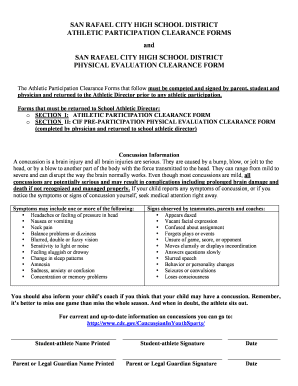
Get Athletic Participation Clearance Forms
How it works
-

Open form follow the instructions
-

Easily sign the form with your finger
-

Send filled & signed form or save
How to fill out the athletic participation clearance forms online
Completing the athletic participation clearance forms is essential for any student wishing to participate in school sports. This guide provides clear and straightforward instructions to help users navigate filling out the forms online efficiently.
Follow the steps to successfully complete the athletic participation clearance forms.
- Click ‘Get Form’ button to obtain the form and open it in the editor.
- Begin with the section titled 'Parental Permission.' Here, you will provide consent for the named student to participate in various sports. Fill in the student’s name and identify the sports for which you are granting permission.
- Indicate whether the student has attended another high school within the past 12 months. If so, provide details as requested.
- Confirm the student’s residency within the San Rafael City High School District. Ensure you check the appropriate box and understand the district’s residency policies.
- Read the provided information carefully regarding potential injuries associated with sports participation. Acknowledge this by signing the required field.
- Complete the contact information fields, including your address, email, and phone numbers, ensuring all details are accurate.
- Fill out any medical issues that may be relevant for coaches. This ensures they are aware of specific concerns regarding the student’s health.
- Complete the section for emergency contact information, listing a name, relationship, and phone number of someone to be contacted if the parent is unavailable.
- Certify that the student has personal accident insurance by filling out the insurance provider and policy number.
- Identify any necessary physical evaluation by completing Section II. Include the physician’s name, signature, and the date of the physical exam.
- Once all fields are completed, review the form for accuracy. Save your changes, and then choose to download, print, or share the completed form as needed.
Start completing your athletic participation clearance forms online today.
A: If you create a clearance that you do not need (duplicate clearances, decided not to play a sport, etc) and the status of the clearance is “uncleared”, you can delete the clearance by clicking on the red “X” to the far right of the clearance.