Loading
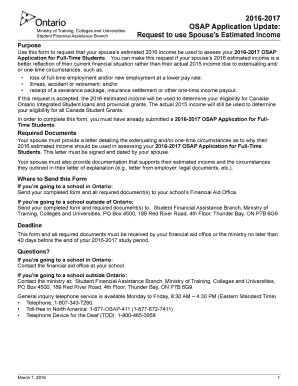
Get 2016-2017 Osap Application Update
How it works
-

Open form follow the instructions
-

Easily sign the form with your finger
-

Send filled & signed form or save
How to fill out the 2016-2017 OSAP Application Update online
This guide provides a detailed walkthrough for completing the 2016-2017 OSAP Application Update online, specifically concerning the request to use your spouse’s estimated income. It aims to assist you in accurately filling out the necessary information to ensure your application process is smooth and efficient.
Follow the steps to complete your application update effectively.
- Press the 'Get Form' button to access the application form and open it in the designated editor.
- Fill in your social insurance number in the relevant field at the top of the form. Ensure that all personal identification numbers are entered accurately.
- In Section A, provide your personal information, including your Ontario Education Number (OEN), last name, first name, mailing address, city, province or state, postal code or zip code, and contact number. Double-check for any spelling errors.
- Indicate the name of the school you are attending or plan to attend during the 2016-2017 study period, and include your student number assigned by the institution.
- Read the student declaration carefully and sign with the date, acknowledging your understanding of the reassessment process based on your spouse's estimated income.
- Proceed to Section B where your spouse must enter their estimated total income for the year 2016. This includes their estimated income from all sources. Ensure the amounts are only entered in whole dollars, without any symbols or decimals.
- Your spouse should also provide a signed letter explaining the reasons for using their estimated income instead of their 2015 income. This letter should detail any extenuating circumstances supporting their request.
- In Section C, your spouse must declare the information provided is accurate. They should sign and date this declaration to confirm the contents are truthful.
- Once all sections are completed, review the form thoroughly to ensure all fields are filled out correctly. Gather all required documents, including your spouse's letter and supporting evidence.
- Finally, save your changes, and choose to download, print, or share the completed form as necessary. Ensure it is submitted according to the instructions provided.
Complete your OSAP application update online today and ensure that your financial assistance is accurately assessed.
Students attending a public institution in another Canadian province are eligible for full OSAP funding. However, students attending an institution outside of Canada are eligible for only the federal portion of OSAP (60% of funding).