Loading
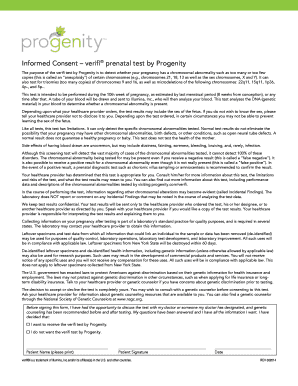
Get Informed Consent Verifi Prenatal Test By Progenity
How it works
-

Open form follow the instructions
-

Easily sign the form with your finger
-

Send filled & signed form or save
How to fill out the Informed Consent Verifi Prenatal Test By Progenity online
Filling out the Informed Consent Verifi Prenatal Test form by Progenity is a crucial step for expectant users wishing to assess chromosomal abnormalities in their pregnancy. This guide provides clear and supportive instructions to help you complete the form accurately and efficiently.
Follow the steps to successfully fill out the informed consent form
- Press the ‘Get Form’ button to access the informed consent form, allowing you to begin the completion process.
- Carefully read the information provided on the first page, which outlines the purpose of the test, including what conditions it aims to detect. Ensure you understand the implications of the test results.
- In the designated field, enter your full name as the patient. Make sure to print clearly to avoid any misunderstandings.
- Provide your signature in the specified area. This confirms that you have discussed the test with your healthcare provider and that your questions have been answered.
- Select your choice regarding the test by checking the appropriate box that indicates whether you want to receive the Verifi test or not.
- In the final section, fill in the date of signing the form. This date should correspond to when you completed the consent.
- After completing the form, review all entries for accuracy. You can then save changes, download, print, or share the form as needed.
Complete your informed consent form online today to ensure the best prenatal care.
The Verifi Prenatal Test is a non-invasive screening option for chromosomes 13, 18, and 21, and fetal sex chromosome aneuploidies in both singleton and twin pregnancies.