Loading
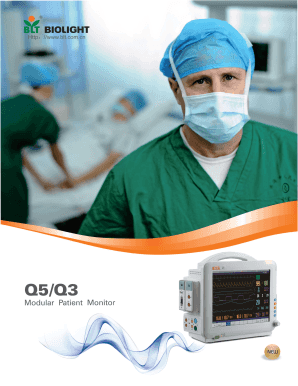
Get Biolight Q5 Patient Monitor
How it works
-

Open form follow the instructions
-

Easily sign the form with your finger
-

Send filled & signed form or save
How to fill out the Biolight Q5 Patient Monitor online
This guide provides step-by-step instructions to effectively fill out the Biolight Q5 Patient Monitor form online. Users of all backgrounds will find clear and supportive guidance to ensure a seamless experience.
Follow the steps to complete the Biolight Q5 Patient Monitor form.
- Use the ‘Get Form’ button to access the Biolight Q5 Patient Monitor form and open it in your preferred online editor.
- Begin by entering the patient identification information in the designated fields: include the patient's name, date of birth, and medical record number. Ensure that all entries are accurate and current.
- In the section for vital signs, input the patient's measurements such as heart rate, blood pressure, and oxygen saturation. Follow the prompts for the specific units required for each measurement.
- Complete any additional fields related to the patient's medical history, including allergies and existing conditions. This information is vital for ensuring correct monitoring and care.
- Review all entries for any possible errors or omissions. Verify that all information matches the patient’s medical records and make adjustments as necessary.
- Once satisfied with the accuracy of the form, use the options provided to save your changes. You may also download, print, or share the completed form as needed.
Complete your Biolight Q5 Patient Monitor form online today for efficient patient management.
Related links form
The respiration waveform shows how well the patient is breathing. Most patient monitors don't have a respiration waveform, but it'll be there if they have respiratory issues. This is the wavy line at the bottom of the screen and is usually yellow or white.
Industry-leading security and compliance
US Legal Forms protects your data by complying with industry-specific security standards.
-
In businnes since 199725+ years providing professional legal documents.
-
Accredited businessGuarantees that a business meets BBB accreditation standards in the US and Canada.
-
Secured by BraintreeValidated Level 1 PCI DSS compliant payment gateway that accepts most major credit and debit card brands from across the globe.