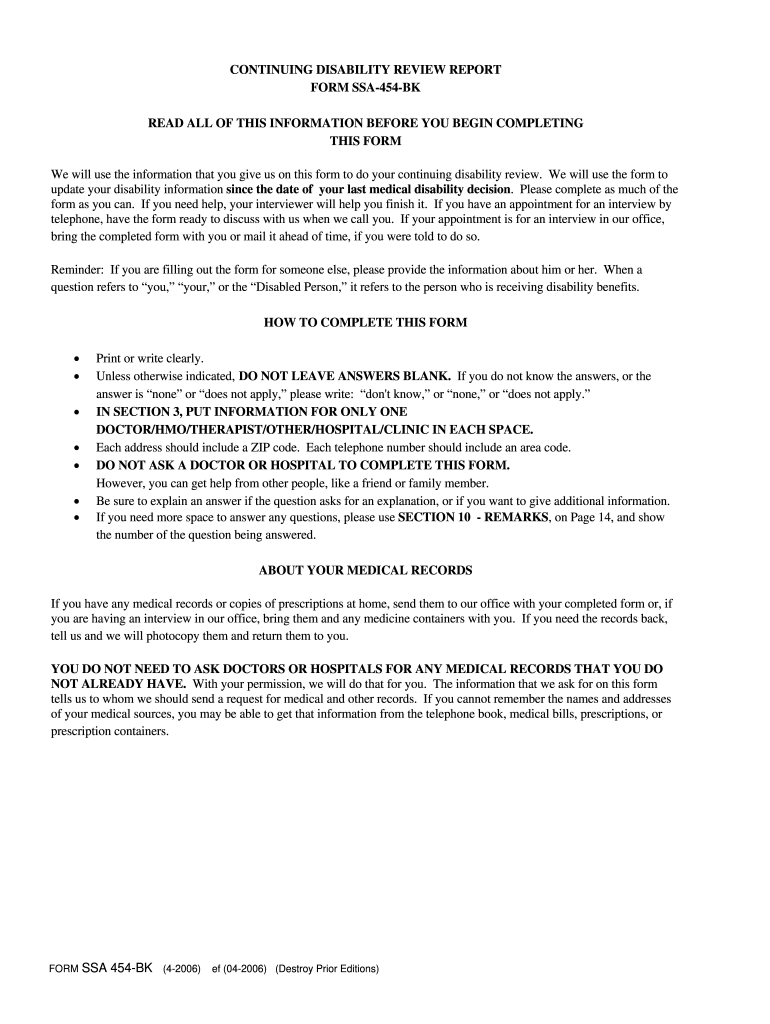
failure to provide all or part of the requested information could prevent an accurate or timely decision on your case. Although the information you furnish is almost never used for any purpose other than making a determination about your disability, such information may be disclosed by the Social Security Administration as follows: (1) to enable a third party or agency to assist Social Security in establishing rights to Social Security benefits and/or coverage; (2) to comply with Federal Laws r.
Loading

Open form follow the instructions

Easily sign the form with your finger

Send filled & signed form or save
How to fill out the SSA-454-BK online
Filling out the SSA-454-BK form is an essential step in the continuing disability review process. This guide provides clear, step-by-step instructions on how to complete the form online, ensuring that you understand each section and can provide accurate information.
Follow the steps to complete the SSA-454-BK form efficiently.
- Click ‘Get Form’ button to access the SSA-454-BK and open it in your preferred editing platform.
- In Section 1, provide information about the person receiving disability benefits, including their name, Social Security number, daytime phone number, and email address. Ensure to list a contact who knows about their conditions.
- In Section 2, describe the disabling illnesses, injuries, or conditions that affect the individual’s ability to work. Note any changes in their medical condition since the last review.
- Proceed to Section 3, where you will list medical records and treatment information. Include details about all doctors, clinics, and any other healthcare providers that have treated the individual in the past 12 months.
- In Sections 4 through 9, provide information about current medications, any tests undertaken, education and training, updated work information, and daily activities. Complete these sections thoroughly, using the space provided to elaborate when necessary.
- Finally, in Section 10, add any additional remarks or explanations that you feel may assist in your review process. Make sure to complete the information about who filled out the form.
- Once all sections are completed, review the form for any errors or missing information. You can then save changes, download, print, or share the completed SSA-454-BK as needed.
Complete your SSA-454-BK form online today to ensure timely processing of your continuing disability review.
Experience a faster way to fill out and sign forms on the web. Access the most extensive library of templates available.
Related content
Jan 17, 2017 - The SSA-454-BK (Continuing Disability Review Report) collects information...
Dec 10, 2004 - 416.989—0960–0072. We use form. SSA–454–BK to collect information...
build the knowledge in a pyramid form by adding blocks and layers in an ordered...
Use professional pre-built templates to fill in and sign documents online faster. Get access to thousands of forms.
If you believe that this page should be taken down, please follow our DMCA take down process here.
This form is available in several versions. Select the version you need from the drop-down list below.