Loading
Get Leidos Prescreening
How it works
-

Open form follow the instructions
-

Easily sign the form with your finger
-

Send filled & signed form or save
How to fill out the Leidos Prescreening online
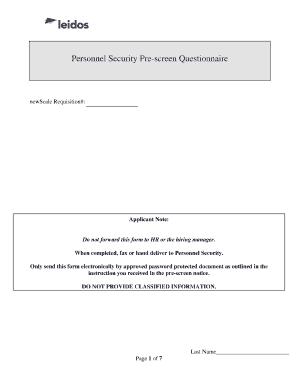
This guide provides clear instructions to help you complete the Leidos Personnel Security Prescreen Questionnaire online. Follow these steps to ensure your submission is accurate and complete.
Follow the steps to successfully complete the Leidos Prescreening form.
- Click ‘Get Form’ button to access the Prescreening form and open it in your chosen editor.
- Begin filling out the document by entering your last name as requested at the top of each page.
- In the 'Security Questionnaire Waiver' section, read the information carefully. Indicate your acceptance or decline of the waiver by selecting the appropriate option.
- Provide your full name, Social Security Number (SSN), citizenship status, date of birth, and place of birth in the designated fields.
- Include a telephone number where you can be contacted during the workweek and your personal email address for communication purposes.
- Answer the questions regarding previous applications for government staff positions, security clearances held, and any criminal history truthfully.
- Complete all sections about military service, relationships with non-U.S. citizens, financial situations, and employment history.
- Ensure to address any questions about foreign connections, travel history, or previous misconduct thoroughly.
- After filling out all necessary fields, review your answers for accuracy and completeness.
- Submit the completed form by fax or hand-delivery to Personnel Security, or send it electronically using an approved password-protected format, following the outlined instructions.
- Remember to avoid forwarding the form to HR or any hiring manager.
Start the process now and complete your Leidos Prescreening form online.
CHANGE PASSWORD Must be between 8 to 32 alphanumeric characters. Must contain at least three of four of the following types of characters: Uppercase letters, Lowercase letters, Numbers, Special characters. Cannot be the same as your current password.