Loading
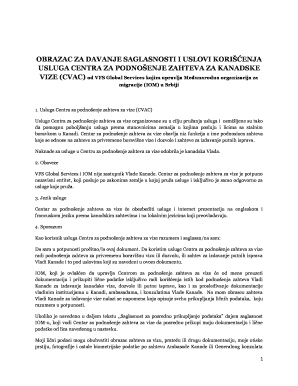
Get Obrazac Za Davanje Saglasnosti
How it works
-

Open form follow the instructions
-

Easily sign the form with your finger
-

Send filled & signed form or save
How to fill out the Obrazac Za Davanje Saglasnosti online
Filling out the Obrazac Za Davanje Saglasnosti online is an essential step for individuals applying for Canadian visas. This guide provides a clear, step-by-step approach to help users complete the form efficiently and correctly.
Follow the steps to complete the Obrazac Za Davanje Saglasnosti online.
- Click the ‘Get Form’ button to obtain the form and open it in the editor.
- Begin by entering your full name in the designated field. Ensure you use capital letters for clarity.
- Next, fill in your address accurately, providing all the necessary details, including street, city, and country.
- Sign the form in the space provided. Your signature serves as a confirmation of the information you've submitted.
- Indicate the date of signing in the specified area.
- If applicable, provide details regarding any third-party representative, such as a travel agent, ensuring to include their name and your relationship with them.
- Review all entered information to confirm accuracy and correctness before submission.
- Once all information is filled out and verified, save changes, download the filled form, print it, or share it as necessary.
Start completing your Obrazac Za Davanje Saglasnosti online today.